

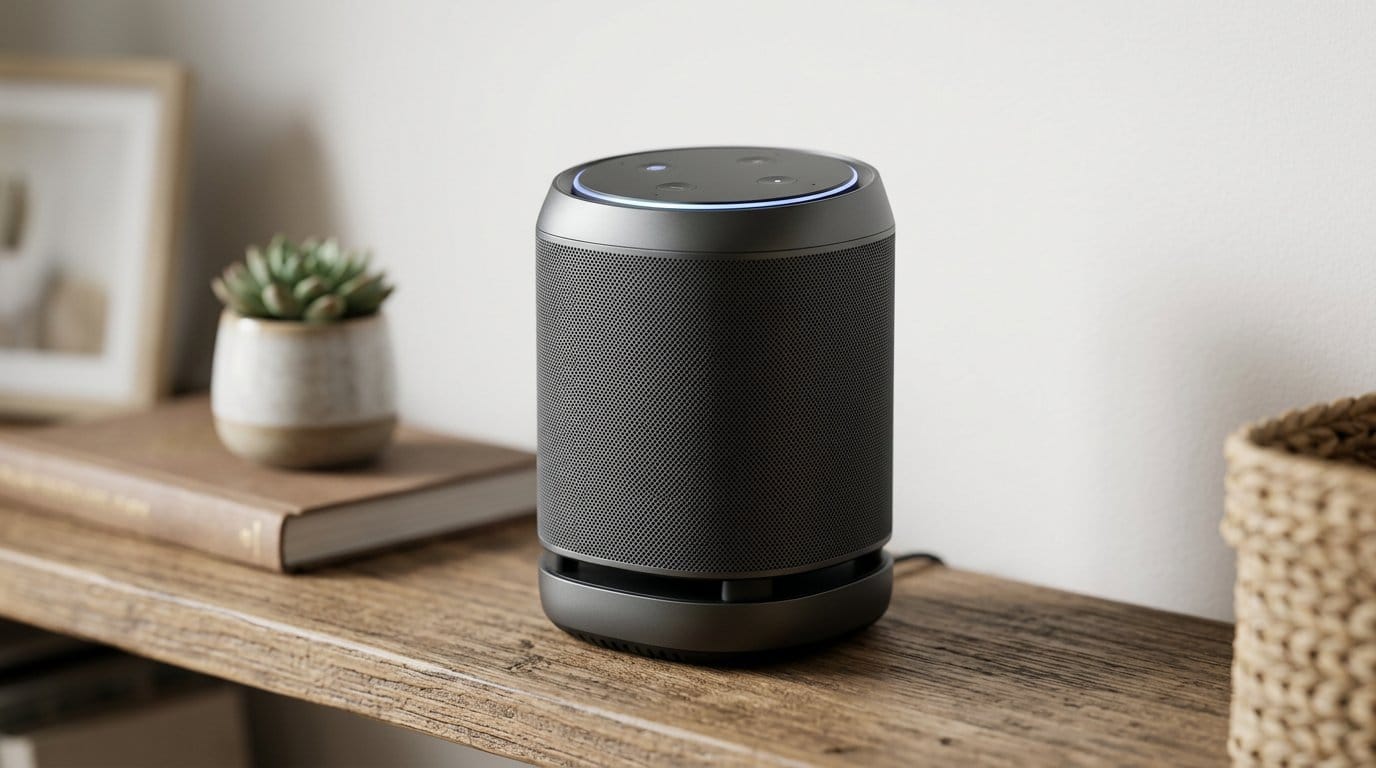

Can one box end the protocol wars in your living room? Spoiler: sometimes it can.
We hate juggling apps.
You walk into a room and the Lights, speaker, and thermostat are each arguing with a different app. It’s not magic. It’s friction.
The latest hubs try to fix that by speaking more languages — Zigbee, Z‑Wave, Thread, Matter, Wi‑Fi, BLE, even IR. That matters because fewer cloud callbacks, more local automations, and cleaner integrations make smart homes actually usable, not just aspirational.
Top Picks
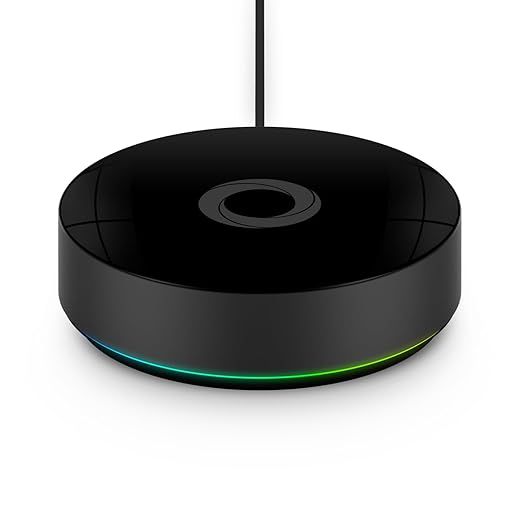




Homey Pro (2026) Multi‑Protocol Smart Hub
Homey Pro packs more radio technologies into one box than most hubs, and it does so with a local-first philosophy. It’s an ambitious, polished option for people who want one device to manage Zigbee, Z‑Wave, Thread, Matter, Wi‑Fi, BLE and infrared.
A hub that aims to do it all
Homey Pro is designed for people who want a single hub to manage everything: Wi‑Fi devices, Thread and Matter endpoints, Zigbee bulbs, Z‑Wave locks, and infrared AV gear. We see it as the converging point for heterogeneous smart homes where the goal is not a single brand but a coordinated experience.
What sets it apart
Real-world trade-offs
The price reflects the ambition: Homey Pro is more expensive than hobbyist hubs and simple bridges. But for many setups—multiple protocols, lots of different brands, and the desire for local execution—the return on investment is significant because you reduce complexity and cloud dependencies.
How to approach it
Hubitat Elevation C‑8 Pro Local Hub
A hub built for people who want their automations to keep running even when the internet doesn’t. It prioritizes local processing, speed, and privacy, at the cost of a steeper learning curve.
The Hubitat approach
Hubitat sells itself to the serious automation crowd. We see it as a platform for people who want local control, deterministic behavior, and privacy. Instead of asking you to bolt everything to a cloud account, Hubitat processes automations on the device itself — audit cloud-dependent cameras with the FCC home wireless security guide before you bridge them—so switches flip and scenes trigger even if your internet is down — a resilience case covered in CISA Internet of Things overview when hubs stay local-first.
What you get
How it fits in a modern setup
If you value control over convenience, Hubitat is a top pick. It’s not trying to be flashy: the interface is utilitarian and the documentation assumes curiosity. That matters because the home-automation landscape is fragmenting—those who want resilient automations increasingly choose platforms that don’t rely on third-party cloud uptime.
Caveats and real-world notes
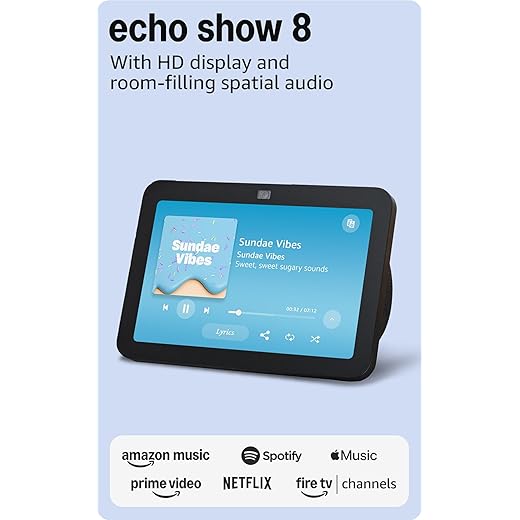
Echo Show 8 with Spatial Audio
A strong mid-size smart display that balances sound, screen, and hub capabilities. It brings broad compatibility (Zigbee, Matter, Thread) and Alexa feature development to the center of the living room.
Why we care
We treat the Echo Show 8 as the practical middle ground for people who want a capable smart display without committing to a giant screen or a tiny bedside puck. It takes a platform-first approach: Alexa is where most of the advanced voice features live, and Amazon has expanded the Show 8’s role beyond music and timers into being a primary smart-home control surface.
What it does well
Where it fits in the market
We appreciate that Amazon positioned the Show 8 as a do-it-all appliance: a media device, a communications hub, and a home-automation controller. For households already leaning into Alexa and Prime services, it reduces friction—no separate Zigbee bridge required, and Alexa+ features (when available) add improved conversational capabilities. That matters in 2026 because many buyers want fewer boxes and more cross-ecosystem compatibility.
Practical notes and limitations
HomePod mini — Siri Smart Speaker
A compact speaker that integrates tightly with iPhones, HomeKit, and Apple services. Its audio is impressive for the size, and it’s the simplest path to Siri-based automations and handoff experiences.
The HomePod mini’s role in a connected home
Apple positions the HomePod mini as the easiest way to bring Siri and HomeKit capabilities into every room. We recommend it when the household is already invested in iPhones/iPads and you want voice control, intercom features, and reliable HomeKit automations without wrestling with cross-platform complications.
Strengths worth noting
Where it’s less competitive
If your home is multi-ecosystem — lots of Alexa, Google, or proprietary devices — the HomePod mini can integrate at the HomeKit level but it won’t act as a universal bridge in the same way some hubs will. Siri’s web knowledge and third-party voice skills also lag behind alternatives, so voice-based web searches or certain service controls can feel constrained.
Practical advice
SmartThings Hub 3rd Generation White
A capable, flexible hub that tries to cover many protocols and cloud integrations. It’s a practical pick if you want a central app-driven place to coordinate Zigbee, Z-Wave, and cloud services.
What the SmartThings Hub is for
Samsung’s SmartThings Hub (3rd Gen) tries to be the convention center for your connected home: it’s built to accept many different device types and then let you automate across them. For people who want an app-first experience that ties together lights, locks, and sensors under Alexa or Google, it’s a practical choice.
Key strengths
Where it falls short
SmartThings has improved, but the user experience still shows its history: different app modes and legacy tooling can confuse setups, and region-specific behavior has tripped buyers (especially when migrating accounts or moving between app versions). For power users who want full local control or minimal cloud dependency, SmartThings can feel limiting compared with local-first platforms.
Practical tips
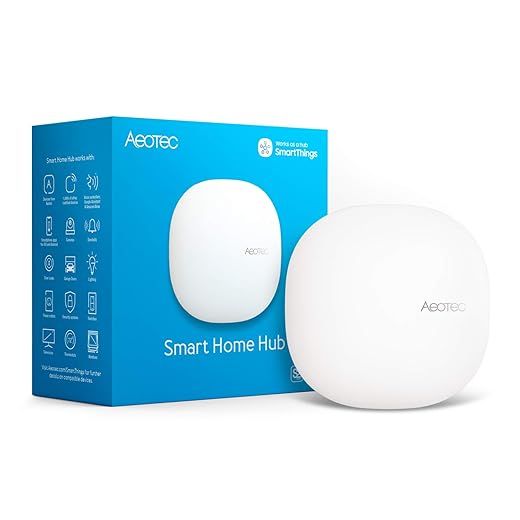
Aeotec Smart Home Hub for SmartThings
A practical way to run a SmartThings-centered home with Z‑Wave, Zigbee, and Matter compatibility. It’s approachable for many users, though migrations and camera integrations can be awkward.
Where Aeotec fits into the ecosystem
Aeotec’s hub is essentially a modern hardware front for the SmartThings experience. If you want the SmartThings ecosystem—its app, integrations, and large device base—but prefer a vendor-certified box with Matter and Z‑Wave muscle, Aeotec is a sensible pick.
Strengths in practice
Limitations to plan for
Device migration is the sticky part of buying a replacement hub for an established home: some devices need manual exclusion and re-inclusion, and a handful of older devices can be stubborn. Cameras, in particular, often rely on vendor cloud flows and can be less integrated than switches or sensors.
Bottom-line guidance
If you want a SmartThings-first home with modern protocol coverage and you don’t want to re-invent automations, Aeotec is a good value. For people who demand full local-only operation or extreme custom rule engines, other hubs may be better—but for interoperability and day-to-day convenience, this hub strikes a strong balance.
Aqara Smart Hub M2 with IR
An affordable bridge that gives you HomeKit access, a 360° IR blaster, and Ethernet stability. It’s ideal for users invested in Aqara accessories but less helpful as a universal Zigbee coordinator.
Who it’s for
We recommend the Aqara Smart Hub M2 for people who already plan to buy Aqara sensors and want HomeKit or voice assistant integration without buying an expensive bridge. It’s an economical way to add an IR blaster and get tighter integration with Apple’s ecosystem.
Standout features
Practical trade-offs
The Hub M2 is a great value, but it’s opinionated: it primarily supports Aqara Zigbee child devices and doesn’t behave as a universal Zigbee coordinator for every brand. If you have many third-party Zigbee devices, you may hit compatibility walls. Also, IR control tends to be handled in the Aqara app rather than surfaced in third-party home-automation platforms, which can limit more advanced integrations.
Tips from our testing
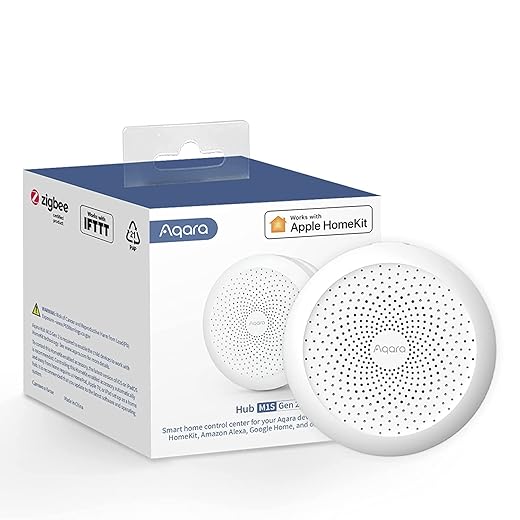
Aqara Hub M1S Gen 2 Bridge
Small, affordable, and practical for someone building a first set of sensors in HomeKit. It doubles as a little night light and alarm speaker, which makes it feel more like an appliance than a bland bridge.
The practical case for the M1S
The Aqara Hub M1S Gen 2 is the hub you buy when you want a small, visible hub that adds personality (and functionality) to a room: it plugs into an outlet, has an RGB night light, and can act as an alarm. For many buyers, that combination of physical utility and HomeKit compatibility makes it an attractive first hub.
Features that matter
Limitations to watch
Like many budget hubs, M1S makes assumptions: it wants a 2.4 GHz Wi‑Fi network, and some users have run into pairing headaches when their network configuration is unusual. Also, if you plan to mix lots of non-Aqara Zigbee gear, this hub can be limiting because it prioritizes Aqara child devices.
Bottom line
We see the M1S as the pragmatic starter hub: it’s inexpensive, it looks pleasant on a nightstand, and it will get a HomeKit-centric Aqara setup up and running quickly. For deeper Zigbee interoperability or enterprise‑grade reliability, a more neutral coordinator is preferable.
Final Thoughts
For most people who want one box to actually coordinate everything, we recommend the Homey Pro (2026) on our Top Picks list. It’s the most ambitious all‑in‑one option: broad radio support (Zigbee, Z‑Wave, Thread, Matter, Wi‑Fi, BLE, infrared), a polished UI, and a local‑first philosophy that keeps automations running even when the internet doesn’t. Practically, that means fewer bridges, fewer apps, and better future‑proofing as Matter and Thread mature — see our smart-home setup guide and Smart Home, Security & Wi‑Fi shop before you standardize on one hub. Choose the Homey Pro if you want broad compatibility with fewer compromises and you value a single, capable hub that handles both consumer devices and enthusiast toys.
If your top priorities are speed, privacy, and rock‑solid local automations, pick the Hubitat Elevation C‑18 Pro. It doesn’t try to be a living‑room display or a voice assistant; it’s optimized for local processing, reliability, and advanced rule logic. That comes with a steeper learning curve, but it’s the right pick for locks, security routines, and anyone who needs automations to run without cloud dependencies.
We’d add one practical note: if you care more about a polished voice/display experience than radio breadth, an Echo Show 8 or HomePod mini still makes sense as a primary interface — but they’re better as platform anchors than as the single technical solution for a heterogeneous device collection. In short: Homey Pro for single‑hub convenience and breadth; Hubitat for local‑first reliability and advanced automation.
Frequently asked questions
What is the main point of “Smart Home Hubs That Finally Talk to Each Other”?
This piece explains where smart home hubs that finally talk to each other matters in real buying decisions—not just headline specs. We focus on trade-offs, who benefits most, and what to verify before you spend.
Who should read this smart home hubs that finally talk to each other guide?
Read it if you are actively shopping, upgrading, or trying to separate marketing claims from day-to-day use. Skip it if you already own the gear and are not planning a change this season.
What changed recently around smart home hubs that finally talk to each other?
Prices, firmware, and feature tiers shift quickly in this category. We call out what is new enough to affect your decision and what is incremental hype you can safely ignore.
How should I use this editorial when buying?
Treat it as context before you compare models: note the risks and priorities here, then cross-check specs and current pricing on the picks that match how you actually use the product.
What is easy to get wrong about smart home hubs that finally talk to each other?
Buyers often overweight one spec—brightness, speed, or brand—and underweight fit for their room, ecosystem, or warranty support. We flag the mismatch we see most often in reader questions.
Where should I go next after reading?
Use the related comparisons and top picks linked near the end of this article for model-level shortlists, then confirm return policies and compatibility with the devices you already own.

Iqra Jumar is Option Cutter's editorial writer. She writes practical editorials and buyer guides that focus on real-world upgrades—better Wi‑Fi, cleaner cable setups, smarter streaming, and everyday fixes—not spec-sheet noise alone. Her work helps readers decide what to change now, what to skip, and why.









