

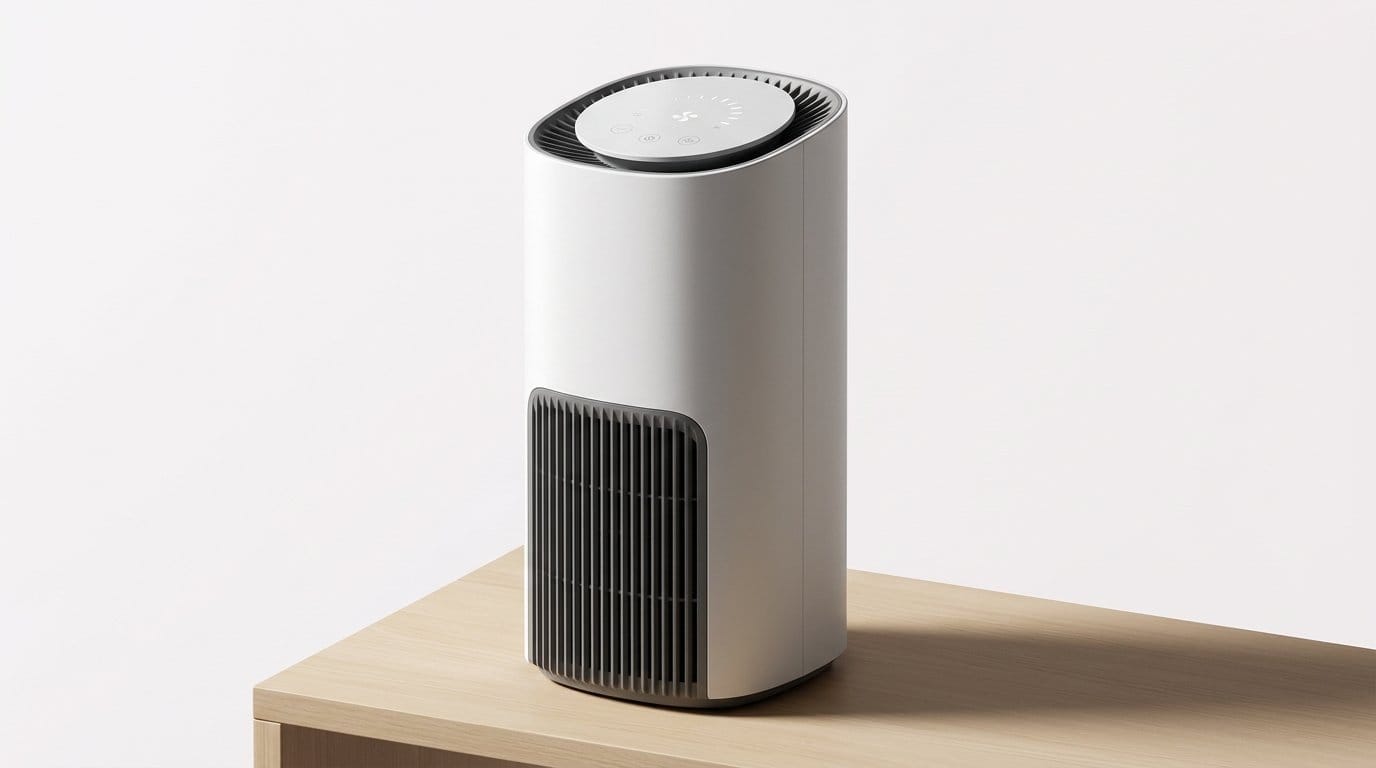

A small, fast upgrade that actually improves indoor air
We cut through the noise and recommend one practical change: add a well-chosen, portable HEPA air purifier in the rooms where we spend the most time. This is fast to buy, quick to set up, and it yields measurable reductions in particulate pollution and allergens within hours — a practical upgrade we cover in our how-to guides hub.
We explain what “fast” improvement looks like, why portable HEPA is the best balance of speed, cost, and convenience in the heating, cooling & air quality category, and how placement, noise, controls, and maintenance turn a device into a reliable appliance.
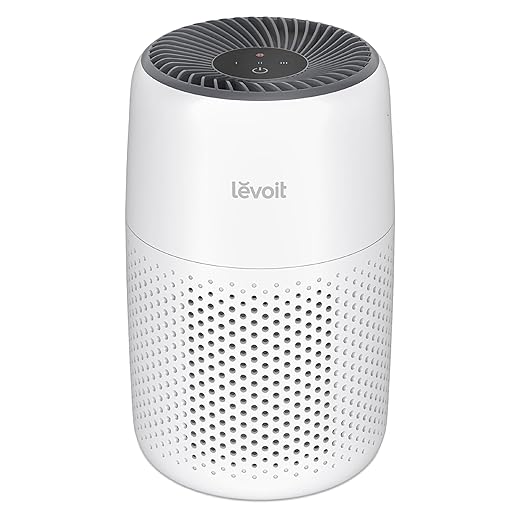


What we mean by a practical, fast air-quality upgrade
What “practical” and “fast” look like for us
We define “practical” as something that needs little or no permanent installation, works in the homes people already own, and doesn’t demand deep technical know‑how to run. “Fast” means measurable drops in PM2.5 and common airborne allergens within 15–60 minutes in the rooms where we sleep, cook, and work. Our objectives are straightforward:
The physics in plain English: CADR and air changes
Two numbers matter when you shop air purifiers: CADR (clean air delivery rate) and ACH (air changes per hour). CADR is what a purifier actually delivers — essentially, the cfm of filtered air. ACH tells us how many times the room’s air is fully replaced per hour.
Why a localized purifier is often the fastest route
Whole‑home filtration sounds neat, but ducts, installation delays, and dilution mean it’s usually slower to affect the rooms we occupy. A portable HEPA unit in the room we’re actually using concentrates flow where it matters, so we see tangible differences within an hour.
How to get those fast wins right away
Next we’ll recommend the specific portable HEPA units we think strike the best balance of noise, design, and value.
The upgrade we recommend: smart portable HEPA purifiers for daily living zones
Pick the right capacity: CADR → ACH, fast and predictable
We recommend choosing a portable purifier sized to give 4–6 ACH in the room you use most from our air purifiers aisle. Do the math: room volume × desired ACH ÷ 60 = required CADR. For everyday bedrooms and home offices we typically aim for the lower end (4 ACH) overnight.
Why a genuine HEPA element actually matters
“HEPA” gets tossed around, but true HEPA (H13/H14 or certified ≥99.97% at 0.3 µm) removes particles that trigger allergies, travel with smoke, and carry viruses. We prefer mechanical filtration on verified HEPA purifiers over ambiguous “ionizing” or vaguely labelled “HEPA‑type” claims.
User‑experience features that keep units running
Prioritize
Compact vs tower: trade-offs we care about
Compact units win on footprint and portability; they’re perfect for bedrooms or travel among portable purifiers. Towers offer higher CADR and cleaner airflow paths that reduce dead zones, so they clear larger living rooms faster.
Design and user experience: noise, size, controls, and maintenance
Noise: the single make-or-break metric
A purifier that clears air but wakes the house is useless overnight. We look for measured noise curves, not just “quiet mode” labels, when comparing air quality appliances. Practical targets: continuous background noise ≤35 dB for bedrooms (a quiet fan), and ≤45 dB for daytime living spaces.
Size, placement, and airflow
Physical design determines where the purifier will live. Look at intake/exhaust direction — top‑outlet designs clear air vertically and avoid blocked vents on low tables; front‑inlet units need a few inches of clearance on all sides.
Controls and interfaces that encourage use
Simple, tactile controls win for daily interaction on a HEPA air purifier: a physical power button, fan speeds, and a sleep mode that dims LEDs. PM readouts, clear filter indicators, and optional voice control (Alexa/Google) are the sweet spot for usability.
Maintenance friction: filters, cost, and subscriptions
Expect filters to last roughly 6–12 months depending on use. Replacement costs vary wildly: $15–$80. Check for washable pre‑filters, availability of third‑party replacements, and whether the brand offers subscription discounts. Subscriptions simplify upkeep but raise lifetime costs and can lock you in. Small habits — monthly pre‑filter vacuuming, running auto mode — cut replacement frequency and keep the unit doing real work.
Next we’ll look at how these user‑centric features fit into broader smart‑home ecosystems and automation.
Ecosystem integration: smart-home compatibility, scheduling, and automation
Protocols and platform support: pick what fits your home
Not all “smart” purifiers are equal. Wi‑Fi models give easy remote access and cloud routines; zigbee and Thread devices talk locally via a hub, which means lower latency and more reliable on‑site automations. HomeKit support tends to be stricter and more privacy‑minded, while Alexa and Google Home are the most widely supported and easiest for voice control. When shopping, prioritize the protocol your house already uses — adding a new hub is a friction point we’d rather avoid.
Automation triggers that actually make a difference
We want clean air when we need it, not when we remember to switch it on. Useful, real‑world triggers include
A simple routine: geofence + motion sensor. For advanced users, Home Assistant or IFTTT can bridge devices that don’t natively talk to each other.
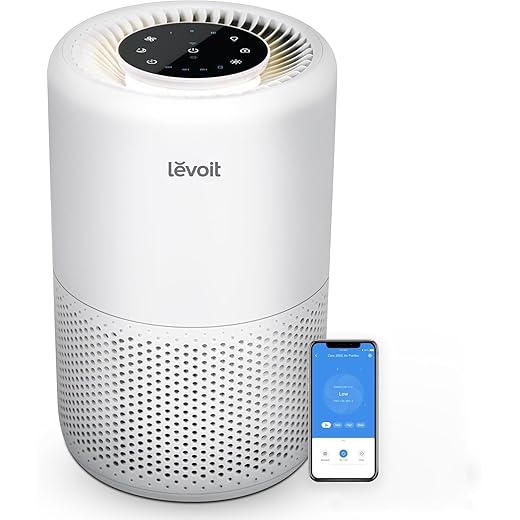
Beware cloud dependence; demand local fallbacks
Cloud features are convenient, but they can fail. If vendor servers go down, remote control and platform routines may stop. That’s why we value purifiers with reliable offline auto modes, physical controls, or local APIs. If you rely on automation for nightly sleep modes or smoke responses, test that those automations still work without internet.
Manufacturer ecosystems and ongoing costs
A polished app and filter‑subscription service reduces upkeep friction, but it can lock us into higher lifetime costs and slower third‑party integrations. Before committing, check for third‑party filter availability, whether the unit exposes a local API (or is supported by Home Assistant), and whether the brand’s ecosystem matches our preferred smart‑home philosophy.
How quickly you'll see results: testing, metrics, and realistic expectations
We care about speed because we want to notice cleaner air—not just see a spec sheet. Fast improvement is measurable; here are the concrete metrics we use to judge real‑world performance and how to test them at home.
The numbers that matter
A quick example: a 300 ft² living room with 8 ft ceilings is ~2,400 ft³. To get ~5 ACH you’d want a CADR around 200 cfm—often enough to cut PM2.5 by a large fraction within 15–60 minutes; for many medium rooms the biggest change happens in the first 20 minutes.
How we test at home
Place a reference sensor at breathing height, away from the purifier’s intake and discharge (1–2 m). Create repeatable conditions: close doors, run a short, controlled particulate source (candle or toaster) and note peak and decay. Compare “purifier on” vs “off” runs. Use cheap, consistent sensors (PurpleAir/Airthings style) rather than the unit’s onboard readout.

Realistic limits and when to add strategies
Manufacturer CADR tests are idealized: empty chambers, no furniture, sealed rooms. In lived spaces, furniture, open doors, and people reduce effectiveness. Also: VOCs and some ultrafine particles aren’t solved by HEPA alone—consider activated‑carbon stages, source control, or timed ventilation windows (when outdoor air is cleaner) for meaningful improvement.
Cost, operational trade-offs, and how this upgrade stacks up against alternatives
Upfront and operating costs (a quick model)
Money and effort matter, so we break it down simply: a well‑rated portable HEPA purifier for a living room runs roughly $100–$500 up front (popular models: Coway AP‑1512, Levoit Core 400S, Blueair 211+). Replacement HEPA/carbon filters typically cost $20–$80 each and last 6–12 months depending on use. Power draw varies widely—25–70 W on medium/high—so expect a modest electricity bill: roughly $5–$30/month depending on run hours and local rates. Over five years, including two to six filter replacements, a typical lifetime cost for a single-room unit often lands in the $400–$1,200 range.
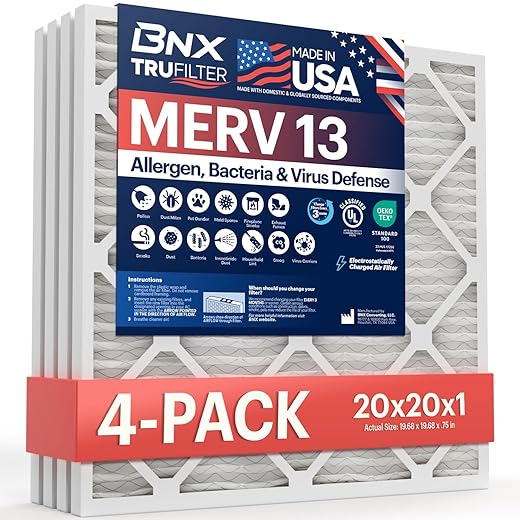
Practical how‑to: calculate CADR for your room, pick a unit that achieves 4–6 ACH, run it higher during events (cooking, wildfire smoke), and budget for one annual filter change as a baseline.
Comparing alternatives — speed, complexity, pollutant coverage, value
Portable HEPA wins for speed, low installation overhead, and targeted effectiveness (fast PM2.5 drops in a room). HVAC and whole‑home systems win at scale and lower per‑square‑foot operating costs once installed—but require time, money, and tradespeople.
Equity, renters, and tight budgets
For constrained budgets or rentals: prioritize high‑CADR used/refurbished purifiers, box‑fan + MERV13 for bedrooms, and swapping in a MERV13 HVAC filter if compatible. Small, targeted choices still cut exposure dramatically.
With those trade‑offs in view, we can now pull everything together and explain why this practical upgrade makes sense for daily life.
A fast, practical win we can actually live with
We recommend starting with a carefully chosen portable HEPA air purifier placed where we spend the most time. It’s the fastest, least disruptive way to cut particulates and allergy triggers right away, and it wins on user experience: manageable noise, compact footprint, intuitive controls, and low-maintenance filters. Smart models plug neatly into our home ecosystems, support schedules and automations, and keep clean-air behavior frictionless.
This single-device upgrade matters because it’s measurable, immediate, and upgradeable — better than waiting for renovations or whole-house systems. Start small, track results, maintain filters, then scale into layered solutions if needed. For quick, sustained, air-quality gains, this is the practical place to begin, and notice the difference.
Frequently asked questions
What is the main point of “A Practical Upgrade to Improve Air Quality Quickly”?
This piece explains where a practical upgrade to improve air quality quickly matters in real buying decisions—not just headline specs. We focus on trade-offs, who benefits most, and what to verify before you spend.
Who should read this a practical upgrade to improve air quality quickly guide?
Read it if you are actively shopping, upgrading, or trying to separate marketing claims from day-to-day use. Skip it if you already own the gear and are not planning a change this season.
What changed recently around a practical upgrade to improve air quality quickly?
Prices, firmware, and feature tiers shift quickly in this category. We call out what is new enough to affect your decision and what is incremental hype you can safely ignore.
How should I use this editorial when buying?
Treat it as context before you compare models: note the risks and priorities here, then cross-check specs and current pricing on the picks that match how you actually use the product.
What is easy to get wrong about a practical upgrade to improve air quality quickly?
Buyers often overweight one spec—brightness, speed, or brand—and underweight fit for their room, ecosystem, or warranty support. We flag the mismatch we see most often in reader questions.
Where should I go next after reading?
Use the related comparisons and top picks linked near the end of this article for model-level shortlists, then confirm return policies and compatibility with the devices you already own.

Iqra Jumar is Option Cutter's editorial writer. She writes practical editorials and buyer guides that focus on real-world upgrades—better Wi‑Fi, cleaner cable setups, smarter streaming, and everyday fixes—not spec-sheet noise alone. Her work helps readers decide what to change now, what to skip, and why.









