
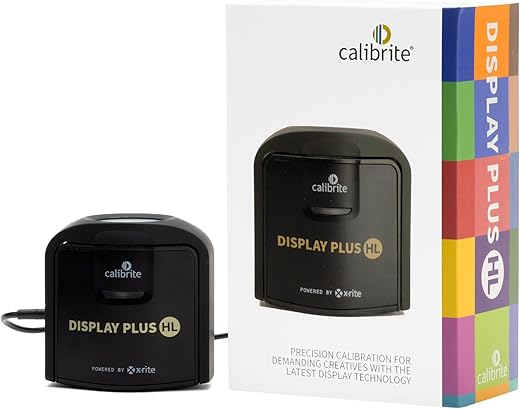

Brightness Is an Easy Target
We blame TV brightness when highlights smash, skin tones wash out, or games look flat. It’s an easy metric: manufacturers shout peak nits and retailers wallpaper specs. But those numbers rarely match what we see in our living rooms.
Brightness is part of the story, yes, but it’s not the whole story. In this article we show how contrast, tone mapping, color volume, room light, reflections, and software decisions shape the image more than a peak-nit figure.
We’ll walk through what “brightness” actually means, the real technical culprits, how our rooms sabotage picture quality, and how content and ecosystem choices matter. Finally, we’ll cover what to prioritize when buying, calibrating, and living with a TV.
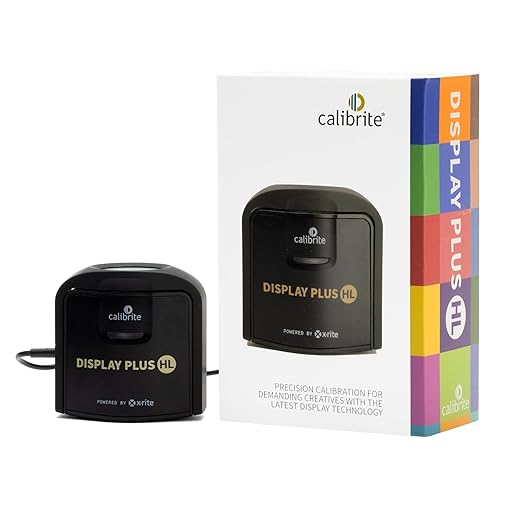


What 'Brightness' Actually Means — And What It Doesn’t
Peak nits vs. the picture you actually watch
Manufacturers love a single, easy-to-sell number: peak nits. In practice, that’s usually a measurement of a tiny white patch driven for a second or two in a lab. It makes splashy marketing images, but it doesn’t tell us how the TV behaves when we’re watching a movie with mixed dark and bright content. Average Picture Level (APL) — the percentage of the screen that’s bright at once — drives sustained output, heat, and how long a panel can hold its luminance before clipping or thermal protection kicks in.
Short bursts aren’t sustained performance
A TV that hits 1,000 nits for a spec burst may only sustain a few hundred nits on realistic scenes. That’s why HDR demos in bright stores can look dazzling while the same set in a dim living room seems underwhelming. Look for full-screen or 10%/20% APL measurements in reviews — they’re the signals of real-world HDR performance, not the peak headline.
Contrast and black level shape perceived brightness
Perception isn’t just about how bright whites can get; it’s about how deep blacks stay next to them. A TV with excellent black levels and a high local contrast ratio will make midrange highlights pop more than a higher-nit panel with elevated blacks. That’s why OLEDs with lower peak nits often “feel” punchier than edge-lit LCDs with higher spec numbers.
Reflectivity and room realities matter
A glossy screen in a sunlit room will lose more perceived brightness to reflections than any nit number can compensate for. Anti-reflective coatings, screen finish, and bezel placement are practical considerations we should weigh alongside specs.
Quick buyer and setup tips
Understanding brightness as a multi-dimensional behavior — peak bursts, sustained APL, contrast interaction, and room impact — gets us closer to predictably good picture quality than any single nit number ever will.
The Real Culprits: Contrast, Tone Mapping, and Color Volume
Tone mapping — the translation that makes or breaks an image
When a movie is mastered for HDR, it assumes a display that can render a much wider range of light than most living-room panels actually deliver. Tone mapping is the TV’s attempt to translate that mastered file into something it can physically show. Do it well and highlights retain detail, shadows breathe, and skin tones look natural. Do it poorly and you get clipped highlights (blown-out skies), crushed shadows (no texture in dark scenes), or midtones that look flat and lifeless.
We’ve seen this in real viewing: a set with 1,000-nit peak spec can still lose the sun flare in a cinematographer’s close-up if its tone-mapper simply clips above a threshold. Conversely, an OLED with lower peak output but thoughtful mapping can keep highlight detail and feel more “film-like.” Look for TVs that mention scene-referred or dynamic tone mapping, and check reviews for how they handle full-scene and 10% APL HDR clips.
Color volume — not just how bright, but how richly
Headlines focus on peak luminance, but color volume—how saturated colors remain across different brightness levels—is what keeps a sunrise vivid as it gets brighter. A panel that can’t hold saturation at high nits will render highlights as washed-out or pastel. That’s why we often prefer a screen that reproduces richer colors at real-world luminance over one that only posts a big peak number in a lab.
Local dimming and the halo trade-off
Local dimming (mini-LED zones, or pixel-level control in OLED) boosts perceived contrast by darkening areas near bright objects. Aggressive dimming can make blacks look deeper and highlights pop, but it can also introduce haloing—bright objects with visible glows—if the zone control is coarse. Weak dimming flattens scenes, making HDR feel muted. In practice, midrange mini-LEDs like the TCL 6-Series can outperform some edge-lit high-nit sets thanks to better zone control, while OLEDs avoid halos entirely but trade peak headroom.
Quick, actionable checks before you buy or tweak
These are the knobs and trade-offs that actually shape what we see — and they’re the reasons a lower-nit TV can easily look better in your room as HDR becomes the norm.
Our Rooms Betray Us: Ambient Light, Reflections, and Placement
We love to judge TVs by specs in a bright, controlled showroom, but most of us live with windows, lamps, glossy floors, and beige walls. Those real-world variables change perceived contrast and color more than a few extra nits ever will. Here’s how our rooms undermine picture quality — and what we can do about it.
Ambient light washes out contrast
Direct or even strong indirect daylight raises the black floor of a scene, so shadows look gray and highlights lose punch. A dark scene on a “bright” TV can still look flat if the room is lit from the wrong angle. Quick checks: watch a night scene with your curtains open and then with them closed; you’ll see the difference immediately.
Reflections: glossy vs. matte screens
Glossy panels can look punchy in dim rooms because they preserve specular reflections and perceived contrast, but they’re mirror-like in the day. Matte finishes diffuse reflections, which is great for daytime viewing, but they can slightly soften image clarity and reduce perceived pop.
Anti-reflective coatings vary a lot. Some premium TVs reduce glare very effectively; others only cut a little. If your room is bright and you can’t control the light, prioritize screens with strong anti-reflective treatments or a matte-like finish.
Placement and viewing angle matter
Where you mount the TV changes how much light hits the panel and how the image reads from your couch. Simple placement rules:
Also remember panel type: many LCD/Va panels lose contrast rapidly off-axis; OLEDs hold up much better if you have wide seating.
Auto-brightness, sensors, and the user experience
Ambient sensors can help by raising output in bright rooms and dimming at night, but they’re not magic. Bad implementations lead to brightness “pumping” between scenes or make calibration meaningless. Test how a TV behaves in your space and be ready to disable adaptive modes if they fight your preferred picture settings.
Practical, immediate fixes
Sorting out the room often yields bigger wins than upgrading to a higher peak-brightness model. Up next, we’ll look at how software, content mastering, and the rest of the ecosystem shape what ultimately ends up on-screen.
Software, Content, and the Rest of the Ecosystem
Streaming, mastering, and why bitrate beats bragging rights
Brightness numbers are a headline — but the picture pipeline is what actually delivers those highlights. A 4,000‑nit spec means nothing if the stream feeding your TV is heavily compressed, capped at a low bitrate, or mastered to a conservative target. We’ve seen single sunset shots look dramatically different between a high‑bitrate Ultra HD Blu‑ray and the same title on a streaming service because the disc preserves highlight nuance that a bitrate‑starved stream flattens.
Dynamic metadata and tone mapping — the instructions that matter
Dynamic HDR metadata (Dolby Vision, HDR10+) tells a TV how to map scene‑by‑scene brightness. Static HDR10 gives one set of instructions for an entire movie. When that metadata is present and passed through intact, tone mapping is more faithful. When it’s absent — or mangled by an intermediary device — TVs fall back to generic clamps that crush highlight detail. We’ve watched firmware updates change a TV’s tone mapping behavior overnight; a patch can improve highlight roll‑off or unintentionally clip speculars.
Devices, apps, and compatibility headaches
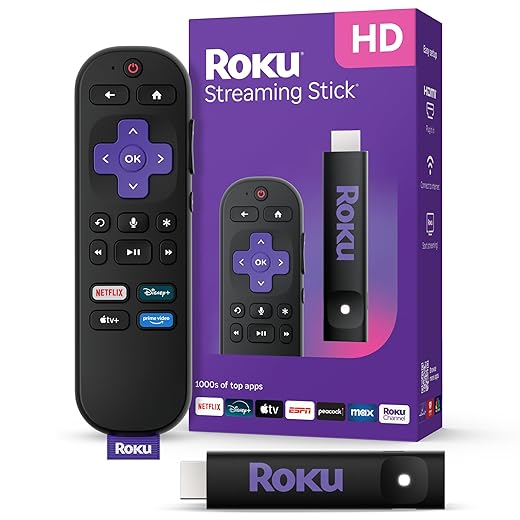
Not all apps or sources are equal. Consoles (PS5, Xbox Series X), dedicated streamers (Apple TV 4K, Nvidia Shield), and smart TV apps often handle HDR differently:
That’s why the same title can look better on an Apple TV 4K than on a TV’s built‑in app — or vice versa.
Practical steps we can take today
Software choices and ecosystem quirks often determine whether a TV’s highlights sing or sputter. Next, we’ll translate that reality into purchasing and calibration advice so you get the best practical result from your setup.
What We Should Prioritize: Buying, Calibrating, and Adjusting for Real Viewing
Buying: what specs and features actually matter
We stop obsessing over peak-nit numbers and look at how brightness is used. Prioritize:
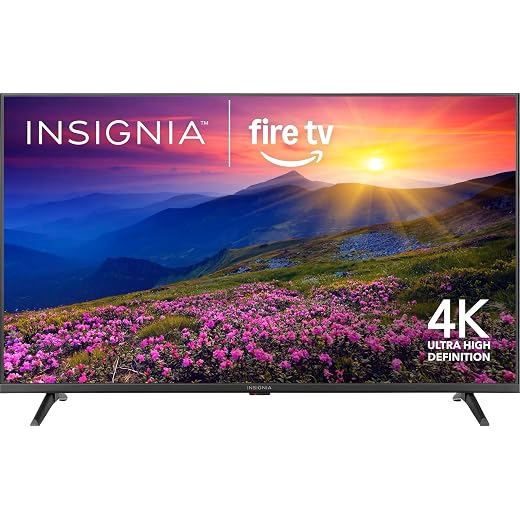
Ask in‑store about recent firmware changes and look for review notes on tone mapping behavior rather than raw brightness. Midrange models that nail software often outperform flagship sets that only win on paper.
Calibration basics we actually use
Start with simple, repeatable steps that improve every viewing session:
Room‑first shopping and in‑store checks
We pick TVs for the room, not the showroom. Consider:
Why midrange sets can win
In practice, a midrange TV with solid local dimming, thoughtful tone mapping, and frequent firmware updates will produce a more satisfying picture than a flagship that only brags about nits. That trade‑off should shift how we shop and what we expect from manufacturers.
Next, we synthesize these takeaways and close with what they mean for everyday viewers.
Brightness Isn’t the Whole Picture
We’ve shown that a headline nit number is an easy press hook but a poor proxy for what actually makes pictures look convincing in our living rooms. If we want better TVs, we should reward engineering that improves contrast, tone‑mapping, color volume, software upscaling and how sets behave in real rooms — not just peak luminance specs. That matters now more than ever: streaming codecs, mastering practices, and smart‑TV ecosystems shape viewing, and manufacturers competing on ecosystem and tone handling deliver more visible gains than those chasing peak numbers.
As buyers and reviewers, let’s shift what we prioritize. Seek measured contrast and tone mapping, calibrate for your room, and treat brightness as a tool among many.

Chris is the founder and lead editor of OptionCutter LLC, where he oversees in-depth buying guides, product reviews, and comparison content designed to help readers make informed purchasing decisions. His editorial approach centers on structured research, real-world use cases, performance benchmarks, and transparent evaluation criteria rather than surface-level summaries. Through OptionCutter’s blog content, he focuses on breaking down complex product categories into clear recommendations, practical advice, and decision frameworks that prioritize accuracy, usability, and long-term value for shoppers.








