



Why TV size matters in the bedroom
We guide you through practical, design-forward choices to pick a bedroom TV that prioritizes viewing comfort, ecosystem fit, and real-world trade-offs—streaming, gaming, mounting, and lighting—so your small-screen setup actually feels intentional and effortless in today’s market.
What we'll need
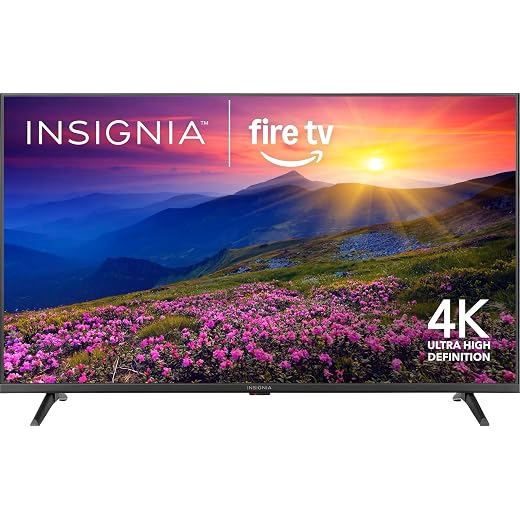
The Ideal Bedroom TV Size: How Big Should Your TV Really Be?
Measure your space and viewing distance
How far should we sit? A little math and ergonomics beat guessing.Measure the distance from your eye height to the wall or cabinet where the TV will sit. We recommend sitting in your usual spot, using a tape measure, and noting inches or meters—eye height and tilt affect comfort.
This difference matters now because 4K’s ubiquity lets us choose much larger screens without visible pixelation, but only if viewing distance and room layout support the size.
First, measure the distance from eye height at your usual bed or chair to the wall or cabinet where the TV will sit.
Match resolution to content and usage
Don’t treat 4K like a cult — what we watch should drive the choice.Match resolution to what you actually stream, game, or mirror. If most viewing is casual streaming or TV apps on a small screen, 1080p can be fine and cheaper; if you routinely watch 4K Netflix/Prime or play on PS5/Xbox Series X, choose 4K.
Consider UI clarity and text: higher pixel density makes menus, guide text, and casting mirrors look noticeably cleaner. Modern 4K TVs have good upscalers, so 1080p content often looks better on a 4K panel than on a larger 1080p set. In market terms, 4K is ubiquitous now; 8K is still niche.
Decide based on your content habits and viewing distance; lean toward 4K for future-proofing.

Plan mounting, placement, and ergonomics
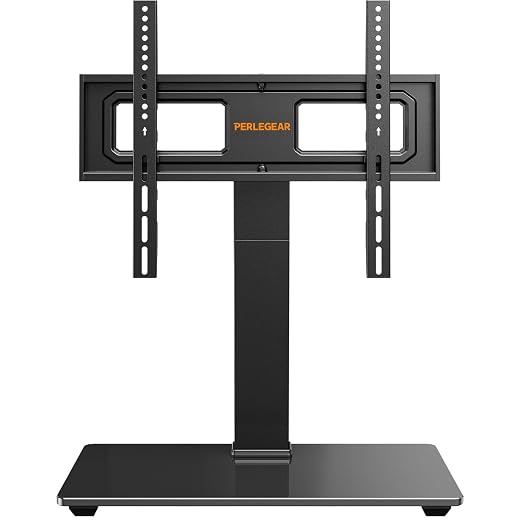
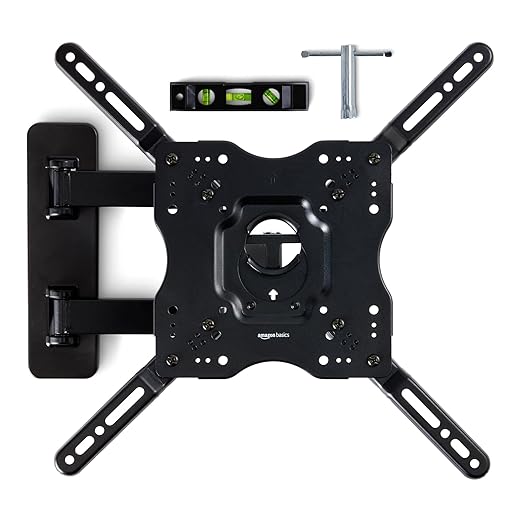
Wall mount, dresser top, or a corner? The mount changes our experience more than size alone.Decide whether we’ll wall-mount, set the TV on furniture, or use a swivel stand. Wall mounts save floor space and let larger screens, but change eye level and require VESA, studs, weight rating, and tilt.
Place the screen so seated eyes meet the center. Example: dresser-mounted TVs 20–24″ high need tilt.
Check ports and ventilation — don’t block airflow. Plan power and HDMI; use in‑wall kits or raceways.
Use a pro for masonry or heavy installs; mounts can cap practical size.
Account for ambient light and panel type
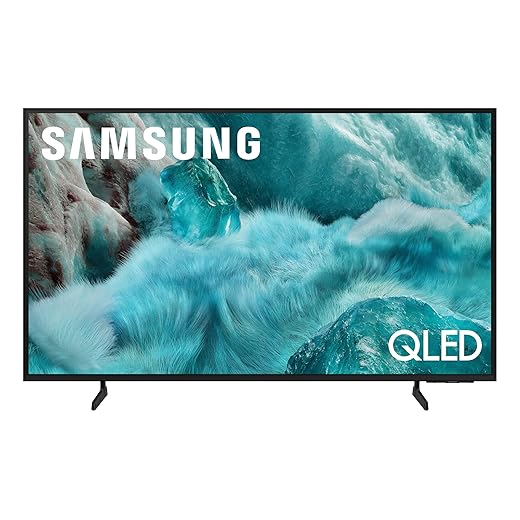
A bright room can ruin OLED’s black magic — know when contrast or brightness wins.Evaluate how much natural and artificial light the room gets at typical viewing times. If mornings or lamps flood the screen, favor brighter LCD/QLED or mini‑LED sets with good anti‑reflective coatings; if we mostly watch in the dark, OLED’s inky blacks and contrast beat raw peak nits.
Prioritize real‑world HDR performance and reflections handling over headline “peak‑nit” claims. Manufacturers push QLED/mini‑LED for living rooms, but for bedrooms we value contrast and viewing comfort.
Review reflections, viewing angles, and screen finish before buying. For example, an east‑facing bedroom with morning glare should use matte/AR screens; a wide bed layout benefits from OLED or IPS for consistent off‑angle color.
Think about audio and ecosystem integration
A big picture without good sound is incomplete — should we add a soundbar or lean on the TV’s smarts?Treat the TV as part of a connected ecosystem. Check built‑in speakers, soundbar compatibility, and whether the set supports HDMI ARC/eARC and Dolby passthrough so audio routes cleanly to a receiver or soundbar.
Verify inputs and latency for our use cases. If we own a PS5 or plan to buy one, prioritize HDMI 2.1 and low input‑lag; if we juggle an Apple TV and Chromecast, insist on multiple HDMI ports and fast switching.
Test and confirm casting and smart‑platform support: AirPlay, Chromecast, Miracast, plus the apps and voice assistants we already use. Finally, review brand update policies and UI polish—better integration saves frustration and keeps the bedroom experience smooth.

Balance size with budget and brand trade-offs
Bigger is tempting — but do we sacrifice contrast, features, or warranty for inches?Run the numbers: calculate price-per-inch (price ÷ diagonal inches) to compare sizes, but prioritize panel quality and features over raw size. Prefer a smaller, higher‑quality panel if it gives better contrast, local dimming, and a snappy UI.
For example, a discounted 55″ OLED from last year can feel more premium than a current cheap 65″ LED.

Final checklist and purchase strategy
The little things we forget—returns, measurements, inputs—are the ones that haunt us later.Run a final checklist before we buy and lock the size.
Bring it together
We pick a size that matches distance, content, lighting, and ecosystem; the right choice balances visual comfort, design fit, and future‑proofing — not just the biggest screen. Try it, share results — browse our how-to guides.
Frequently asked questions
What should I prepare before I choose the right tv size for your bedroom?
Start with the checklist in the “What we’ll need” section above—measure your space, confirm compatibility with your gear, and read the full walkthrough once before you change settings or buy parts. Right tv size goes faster when prep is done upfront.
How long does it take to choose the right tv size for your bedroom?
Most readers finish in about 30–90 minutes if they already have the right parts, but budget extra time for measurements, firmware updates, or a second pass when something does not behave the way the manual suggests on the first try.
What is the hardest part when you choose the right tv size for your bedroom?
The step that trips people up is usually alignment or configuration—getting measurements, cable routing, or software settings right before you commit. If results still look off, re-check the basics in order instead of swapping hardware immediately.
What mistakes should I avoid when I choose the right tv size for your bedroom?
Skipping measurements, ignoring ventilation or port limits, and rushing the final test are the common failures. Photograph your starting setup, label cables, and verify the outcome with the same content or workflow you will use every day—not a one-off demo.
When should I call a pro instead of trying to choose the right tv size for your bedroom myself?
Bring in help when the job needs structural work, licensed wiring, or tools you do not own, or when repeated attempts still fail after you have followed the troubleshooting section. A short paid visit can cost less than replacing gear you damaged by forcing the install.

Princess Rioboca is the Lead Editorial Writer at Option Cutter, bringing over seven years of hands-on experience in consumer technology journalism. Specializing in home networking and smart home architecture, she transforms complex technical data into practical, real-world upgrades. Princess personally tests and audits every product she reviews—evaluating real-world Wi‑Fi throughput, cable management durability, and streaming ecosystem stability—to filter out spec-sheet noise. Her rigorous, field-tested insights are designed to give readers transparent, unbiased buying advice on what to purchase, what to skip, and exactly why.















