



Choosing the right robot vacuum for a house with stairs
We cut through hype in our how-to guides to pick robot vacuums that actually manage MULTI LEVEL homes. We focus on mapping, navigation, docks, battery life, runtime, ecosystem and long term cost so our choice reduces cleaning work across stairs, floors and lifestyles daily.
What you’ll need before buying
We’ll bring a floor plan or rough measurements, a smartphone and Wi‑Fi, clear stair boundaries, a budget range, and priorities (pet hair, carpets, mopping).
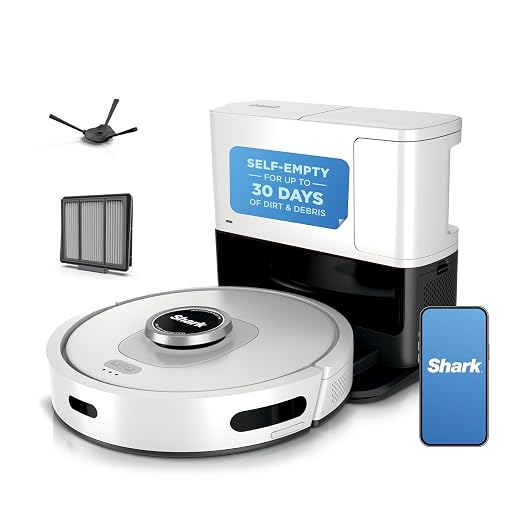
Create Stunning Multi-Level Maps with Roborock Q Revo
Map the house and define cleaning goals
Which rooms matter most — and do we want one robot to own every floor?Audit the house room-by-room before you browse robot vacuum models. Measure what matters: levels, stair type, thresholds, and high-traffic zones.
Measure thresholds with a ruler and test-carry routes if you plan to shuttle a robot between floors. Decide whether we want a single top-tier unit that maps multiple floors or simpler robots with a dock on each level. For example, a compact split-level with steep stairs often favors two docks; a townhouse with wide stairs can work with one heavy, feature-rich robot. That choice changes app needs, mapping complexity, and daily friction.
We start by auditing the house: number of levels, stair configuration, thresholds between rooms when you map each level, and high-priority zones. For multi-level living, the practical questions matter: do we expect one robot to shuttle between floors (carried by us) or to have docks on each level? We explain why room grouping, threshold heights, and furniture layouts determine whether a single high-performance unit or multiple simpler units is the better UX. That choice changes everything—cost, mapping complexity, and daily friction.
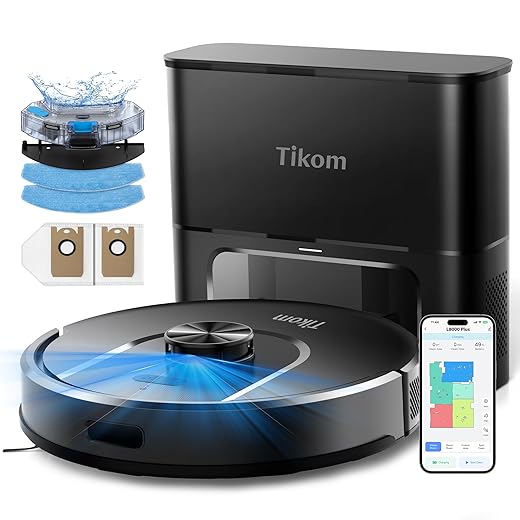
Pick navigation and mapping tech that fits your layout
LIDAR vs cameras vs sensor soup — what actually works when staircases and dark corners are involved?Compare LIDAR mapping and camera-based vSLAM, and hybrid stacks against the realities of our floors: low light, clutter, glass, and multiple distinct maps.
Choose based on these practical trade-offs
Check the app: ensure we can label floors in a robot vacuum app, draw no-go zones, and assign docks. Prefer local map storage if privacy matters; expect camera-based features or cross-dock syncing to use cloud services for map-sharing between devices.

Plan docks, battery life, and charge-resume behavior
Do we want one epic battery or multiple docks that make the robot invisible to daily life?Assess battery capacity and real-world runtime—aim for models that run long enough for one floor (or support reliable charge-and-resume). For example, a 3,000 sq ft two‑story often needs 90–120+ minutes or seamless recharge.
Verify charge-and-resume reliability and whether the bot remembers multi-step jobs across floors; test that it returns to the same spot and continues after topping up.
Consider multiple robot docks if you want to avoid carrying the robot upstairs. Choose robots that explicitly support multiple home bases and consistent map syncing between them.
Prioritize fast recharge, low battery‑degradation chemistry, and Smart scheduling so the robot charges during idle hours and finishes before you wake.
Note market trends: auto-empty bins reduce hands-on time, and docks that recharge mops solve wet-cleaning continuity—both matter for multi-level uptime and convenience.
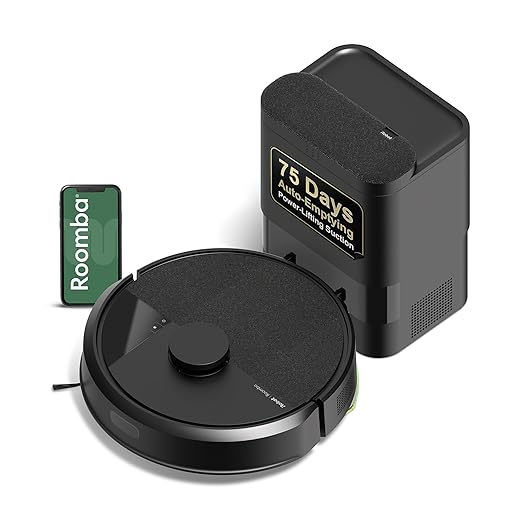
Match suction, brushes, and mopping to your floor mix
Carpets, hardwood, tile — do we pick a specialist or a strong generalist?Test suction and airflow in context: we focus on airflow for deep‑pile pickup and raw suction watts for loose debris. Choose robots that dynamically boost on carpet and reduce power on hardwood to save battery and noise.
Try these quick checks
Perform practical tests—edge cleaning, corner access, and a mixed‑debris run—and watch noise, battery drain, and whether software switches modes between floors.
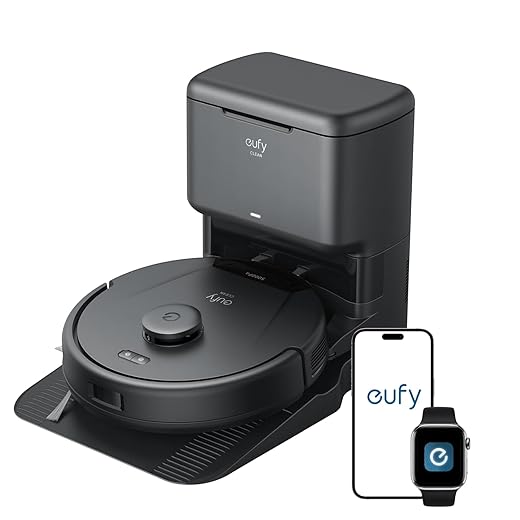
Evaluate app experience, ecosystem, and privacy
Is the app a delight or a monthly ransom? Also: who controls our maps?Evaluate the app and ecosystem early—this is how the robot becomes part of the house, not a drawerful of tech. Try map editing, room labeling, and drag‑and‑drop no‑go zones in the app; make a quick upstairs schedule to see how intuitive multi‑floor workflows feel.
Prefer robots that let us store maps locally or offer robust offline controls to limit cloud exposure. Check voice and smart‑home integrations (Google Home, Alexa, HomeKit) by setting a routine—have the robot clean the upstairs landing after lights out. Invite a partner to the app and confirm schedules sync across devices. Note firmware update cadence and whether advanced mapping or multi‑map support requires a paid subscription; test before you buy to avoid surprises.
Factor in maintenance, support, and long-term cost
A bargain robot today can be an expensive headache tomorrow—filters, brushes, and subscriptions add up.Crunch the real ownership numbers. We tally consumables (filters, brushes, dust bags), expected part lifetimes, and annual running costs before committing.
Estimate replacements and labor with a quick example: if filters cost $15 and need changing twice a year, and brushes run $25/year, that’s roughly $55/yr in consumables—add battery replacement every 2–4 years and any paid cloud subscriptions and the totals jump fast.
Prioritize modular designs with accessible filters and user‑replaceable batteries, and pick brands with long warranties and easily sourced parts—especially for multi‑level households where uptime is critical.

Make the trade-offs and choose confidently
We weigh map fidelity, dock strategy, floor‑type performance, app quality, and long‑term cost, balancing design, ecosystem lock‑in, and maintenance so we pick a robot that fits our layout and minimizes friction. Ready to decide?
Frequently asked questions
What should I prepare before I choose a robot vacuum for multi-level homes?
Start with the checklist in the “What we’ll need” section above—measure your space, confirm compatibility with your gear, and read the full walkthrough once before you change settings or buy parts. Robot vacuum goes faster when prep is done upfront.
How long does it take to choose a robot vacuum for multi-level homes?
Most readers finish in about 30–90 minutes if they already have the right parts, but budget extra time for measurements, firmware updates, or a second pass when something does not behave the way the manual suggests on the first try.
What is the hardest part when you choose a robot vacuum for multi-level homes?
The step that trips people up is usually alignment or configuration—getting measurements, cable routing, or software settings right before you commit. If results still look off, re-check the basics in order instead of swapping hardware immediately.
What mistakes should I avoid when I choose a robot vacuum for multi-level homes?
Skipping measurements, ignoring ventilation or port limits, and rushing the final test are the common failures. Photograph your starting setup, label cables, and verify the outcome with the same content or workflow you will use every day—not a one-off demo.
When should I call a pro instead of trying to choose a robot vacuum for multi-level homes myself?
Bring in help when the job needs structural work, licensed wiring, or tools you do not own, or when repeated attempts still fail after you have followed the troubleshooting section. A short paid visit can cost less than replacing gear you damaged by forcing the install.

Princess Rioboca is the Lead Editorial Writer at Option Cutter, bringing over seven years of hands-on experience in consumer technology journalism. Specializing in home networking and smart home architecture, she transforms complex technical data into practical, real-world upgrades. Princess personally tests and audits every product she reviews—evaluating real-world Wi‑Fi throughput, cable management durability, and streaming ecosystem stability—to filter out spec-sheet noise. Her rigorous, field-tested insights are designed to give readers transparent, unbiased buying advice on what to purchase, what to skip, and exactly why.















