

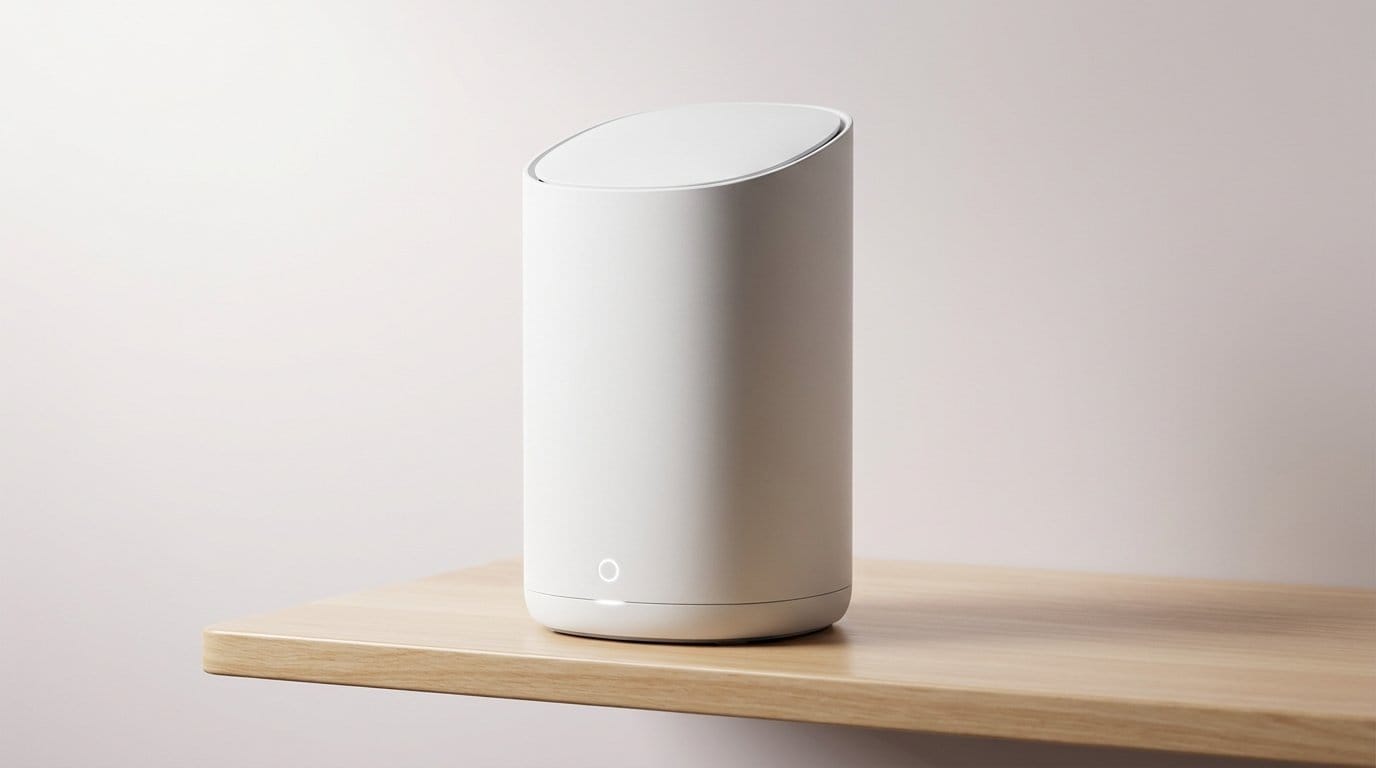

Why our smart devices drop off and what that feels like
We know the pain: lights that stop responding mid-scene, cameras that freeze, speakers that vanish from our control apps. Those moments are small, but they break trust in the whole system. We frame this not as a single faulty gadget, but as the result of network limits, device design choices, and platform politics colliding in our homes.
This piece looks at that convergence from a UX and market angle. We explain how interoperability gaps, cloud dependence, and sleepy power modes turn occasional glitches into daily friction. Our goal is practical: help builders and buyers understand in our editorials why it matters now, and what realistic fixes look like. We’ll show concrete steps.


Why Do Smart Devices Keep Disconnecting? Fixes That Actually Work
Your home network is the most common culprit
Wi‑Fi bands, neighbors, and channel congestion
We start at the network layer because that’s where most dropouts actually originate. Many smart devices cling to 2.4GHz for range, but that band is crowded in apartments and suburbs—microwaves, baby monitors, and a dozen neighbor APs all compete for the same channels. The result is intermittent packet loss rather than a clean “disconnected” state, and devices often don’t retry gracefully. On the flip side, 5GHz gives speed but shorter range and poorer roaming behavior for devices that move or sit at the edge of coverage.
ISP gateways and router design tradeoffs
ISPs ship combo gateways that try to be modem, router, Wi‑Fi access point, and phone box in one cheap enclosure. To hit margins they lean on generic firmware, aggressive power saving, and minimal radio tuning. That saves money but manufactures moments of flakiness: radios drop clients, firmware mishandles concurrent connections, and customer support points at the “device.” It matters because smart appliances assume always‑on connectivity — and when the gateway isn’t up to the job, the UX collapses.
Mesh systems, backhaul limits, and addressing quirks
Mesh systems fix coverage but introduce new failure modes: wireless backhaul saturates with cameras or streaming, and mesh steering can move a device to a worse node. DHCP lease times, duplicate IPs, or NAT table limits can make a device vanish from an app even though the radio is up.
Quick fixes you can try now
These steps reduce the “blame the gadget” feeling and set the stage for the next failure mode we’ll examine: devices that intentionally disappear through power management and sleep modes.
Power management and sleep modes: devices that intentionally disappear
We’ve all tapped the app and seen a perfectly fine sensor show “offline” for minutes at a time. That’s often not a bug — it’s by design. Battery‑powered sensors, locks, and even some smart bulbs use aggressive sleep cycles to squeeze months or years out of AAAs or coin cells. Meanwhile, Wi‑Fi has its own power‑save tricks (DTIM/windowing) that let a device drop out of active communication to conserve energy. The result is a device that “disappears” until it wakes to report an event — great for battery life, irritating when we expect instant state.
Why manufacturers choose sleep
This is a product‑design trade‑off. We see the same pressures across brands
Real models follow this pattern: Aqara and Philips Hue motion sensors use Zigbee with long sleeps and instant wake on motion; many Wi‑Fi battery sensors—less common—still prefer multi‑minute reporting to avoid constant power draw.
Sleep in practice — what to watch for
We’ve noticed three repeatable UX quirks: delayed status updates (door shows “closed” only when next wake occurs), missed short events (fast openings can happen between reports), and apparent “disconnects” in apps that treat sleeping devices as offline. Firmware often exposes nothing for us to tweak.
Practical steps that help
Next, we’ll look at how different wireless protocols and ecosystem choices amplify these sleep behaviors into interoperability headaches.
Fragmented protocols and interoperability drama
We live in a world where “smart” can mean six different radios and three proprietary clouds. When a light, a lock, and a sensor speak different languages, we rely on bridges and hubs to translate — and every translator is an extra failure mode. Firmware mismatches, memory leaks in cheap bridges, or a hub that silently reboots overnight are all plausible reasons our devices stop responding without an obvious culprit.
The messy landscape and why it matters
Wi‑Fi, Bluetooth Low Energy, Zigbee, Z‑Wave, Thread — plus vendor‑specific stacks — coexist uneasily. A Zigbee motion sensor might behave flawlessly with a Hue Bridge but drop inputs when routed through an off‑brand USB stick on a DIY hub. Thread and Matter promise to clean this up, but adoption is uneven: one company builds Thread radios into its newest bulbs, another hides features behind a cloud API. That mismatch forces manufacturers into design compromises: limited local control, intentional reliance on cloud‑to‑cloud translations, or shipping proprietary hubs to protect recurring‑revenue models.
Practical choices that reduce drama
A quick real‑world test
When adding a new device, pair it within its native ecosystem first (manufacturer app), then integrate it to your hub. If it drops after stitching across platforms, the bridge layer is the likely weak link.
The good news: standards like Matter are changing the rules, but slow vendor incentives mean we still need careful buying and hub choices — a topic that leads naturally into network and router configuration issues we’ll tackle next.
Cloud dependence and the invisible middleman
Why the cloud is a middleman — and a fragile one
We expect our smart lights and locks to respond instantly, but many devices need a manufacturer’s server to authenticate, translate commands, or run “smarts.” That invisible round trip creates failure modes users rarely see: expired tokens that quietly stop remote access, API changes that break third‑party integrations, or provider outages that take entire product lines offline. We’ve all tapped an app and watched a camera fail to load with an “unable to connect” message—often because a backend service hiccupped, not because the device at our door went dark.

Cloud‑first vs local‑first: the trade-offs
Cloud‑first designs win on convenience: over‑the‑air updates, voice assistants, seamless remote access, and lower-cost hardware. But that convenience is also a tether—subscriptions and data platforms become revenue streams that incentivize cloud reliance. Local‑first devices and hubs (think self‑hosted controllers or HomeKit‑enabled gear) sacrifice some polish for resilience: local automations run even if the internet doesn’t. From a UX and market perspective, this creates a split: some companies sell “always‑on” cloud reliability and others tout privacy and offline reliability as differentiators.
How we can reduce the invisible failures today
We’ll next dig into router, mesh, and network configuration problems—where those cloud dependencies often get amplified.
Router, mesh, and network configuration problems we overlook
Placement and signal geometry
We often treat Wi‑Fi like magic, then get frustrated when a bulb two rooms away vanishes. Physical placement matters: closets, metal filing cabinets, and TVs are absorption points. 2.4 GHz reaches farther but is crowded; 5 GHz is faster but shorter‑range. A router in a corner can leave an entire wing of the house effectively offline for low‑power devices.
Mesh and firmware quirks
Mesh systems promise seamless coverage, but not all firmware is equal. Cheap or locked‑down meshes may drop handoffs, have buggy band‑steering, or hide advanced settings we need for smart‑home reliability. Consumer models often prioritize throughput benchmarks over steady, low‑latency packet delivery—exactly what smart devices need.

DHCP, IP conflicts, and isolation features
Short DHCP lease times or devices with hardcoded static IPs can create conflicts that look like random dropouts. Guest networks, “AP/client isolation,” or strict firewall rules silently block device discovery and LAN traffic. ISPs ship all‑purpose gateways with multiple layers (NAT + carrier NAT) that complicate things further.
Multicast, mDNS, and discovery failures
Many smart devices use mDNS/SSDP to announce themselves. Routers that block multicast across SSIDs, VLANs, or the guest network make devices invisible to hubs and phones. That’s why your lights seem “offline” to an app even though they still respond locally.
Bandwidth hogs and QoS
A Zoom call or a neighbor’s cloud backup can saturate uplink buffers and delay tiny control packets. QoS tuned for gaming or streaming may deprioritize UDP multicast or short control frames. We need policies that favor consistent control‑plane latency over raw throughput.
Quick fixes to try now
These network changes often resolve more disconnects than swapping individual gadgets — next we’ll walk through concrete troubleshooting steps and smarter buying choices.
What we can do about it: troubleshooting and smarter buying
We’ll end with a compact, action‑oriented playbook and buying guidance that ties UX fixes to real market choices. These are things we can do tonight, and choices that will make our smart homes behave better over years.
Immediate troubleshooting checklist
Network isolation and advanced tips
If a device still drops, look for AP isolation, firewall rules, or short DHCP leases. — see CISA IoT security guidance for context. Use simple QoS rules to prioritize control traffic (small packets) over bulk transfers. For a modest upgrade, pick mesh or router firmware that exposes multicast and DHCP settings—those options matter more than raw speed.

Buying with fewer headaches
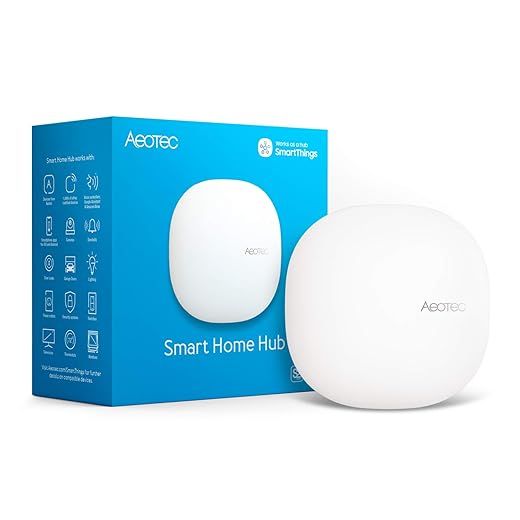
Prioritize ecosystems that support open standards (Matter, Thread, Zigbee/Z‑Wave) and vendors promising multi‑year firmware support (look for explicit commitments). Choose hubs that can run locally—Home Assistant or Hubitat for control without cloud dependence, Apple Home for tight local integrations if you’re in that ecosystem. Examples: Aeotec/Z‑Wave controllers and Zigbee hubs can keep lights responsive even when the internet drops.
We should also be realistic: cloud features (remote voice control, image processing) add convenience. Sometimes we accept occasional cloud fragility for capabilities that local-only devices can’t match. That trade‑off is why cross‑vendor standards and subscription pressures will increasingly shape what we buy and how reliably our homes behave.
Next, we’ll wrap up with how these steps add up to a smarter, less frustrating house.
A better‑behaved smart home is possible
We’ve seen that random disconnects rarely come from one faulty gadget — they’re the product of networking choices, device power and sleep strategies, fragmented protocols, and vendor cloud economics. That matters because it reframes the problem: reliability isn’t just a manufacturing QA issue, it’s a systems design and market problem. In today’s crowded ecosystem, interoperability and local‑first behavior determine whether devices feel seamless or flaky.
Practically, smarter setup and selective buying improve day‑to‑day life; strategically, we need stronger standards and designs that prioritize local control and graceful fallbacks. If we demand products that integrate better and work offline, vendors and platform owners will follow — and our homes will stop dropping the connection mid‑scene. Let’s push.
Frequently asked questions
What is the main point of “Why Do Your Smart Devices Disconnect Randomly?”?
This piece explains where why do your smart devices disconnect randomly? matters in real buying decisions—not just headline specs. We focus on trade-offs, who benefits most, and what to verify before you spend.
Who should read this why do your smart devices disconnect randomly? guide?
Read it if you are actively shopping, upgrading, or trying to separate marketing claims from day-to-day use. Skip it if you already own the gear and are not planning a change this season.
What changed recently around why do your smart devices disconnect randomly??
Prices, firmware, and feature tiers shift quickly in this category. We call out what is new enough to affect your decision and what is incremental hype you can safely ignore.
How should I use this editorial when buying?
Treat it as context before you compare models: note the risks and priorities here, then cross-check specs and current pricing on the picks that match how you actually use the product.
What is easy to get wrong about why do your smart devices disconnect randomly??
Buyers often overweight one spec—brightness, speed, or brand—and underweight fit for their room, ecosystem, or warranty support. We flag the mismatch we see most often in reader questions.
Where should I go next after reading?
Use the related comparisons and top picks linked near the end of this article for model-level shortlists, then confirm return policies and compatibility with the devices you already own.

Iqra Jumar is Option Cutter's editorial writer. She writes practical editorials and buyer guides that focus on real-world upgrades—better Wi‑Fi, cleaner cable setups, smarter streaming, and everyday fixes—not spec-sheet noise alone. Her work helps readers decide what to change now, what to skip, and why.









