

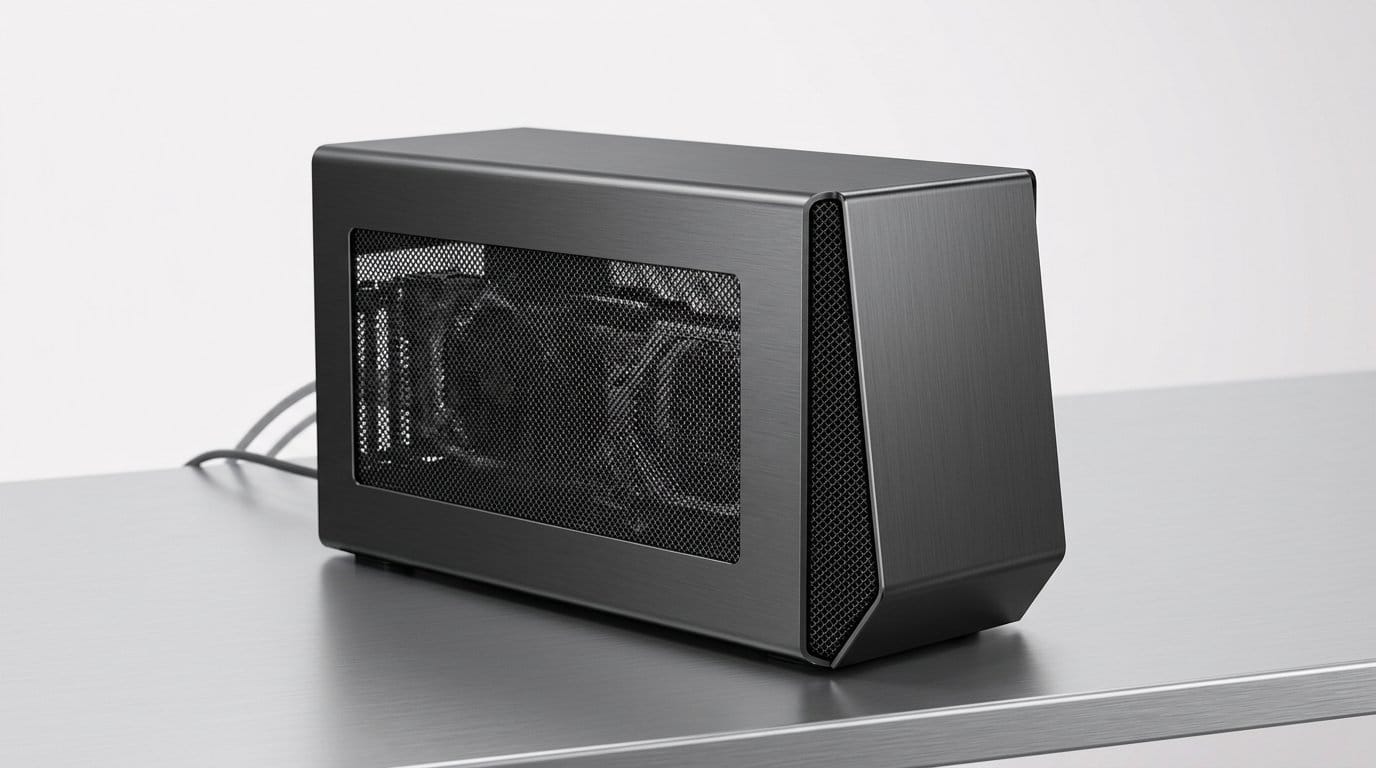

Why one upgrade can lift everything you buy
We start from a simple premise: some upgrades don’t just make one gadget better — they change how every product we bring into our lives behaves and fits together. In this piece we argue that one investment — a standards‑based interoperable layer — amplifies the value of everything else we buy.
That layer is a combination of a smart hub, common protocols, and software bridges that let devices discover, connect, and coordinate. When devices assume interoperability, setup is faster, controls are consistent, and new features emerge from combinations rather than singular devices.
We’ll explain what the layer is, how it reshapes design and ecosystems, and give a practical plan to upgrade without breaking your smart setup. Finally, we’ll outline how this shift changes buying decisions in our editorials and incentives.


When to Upgrade: Clear, Expert Guidance
What the upgrade actually is: a single interoperability layer
Plain-language definition
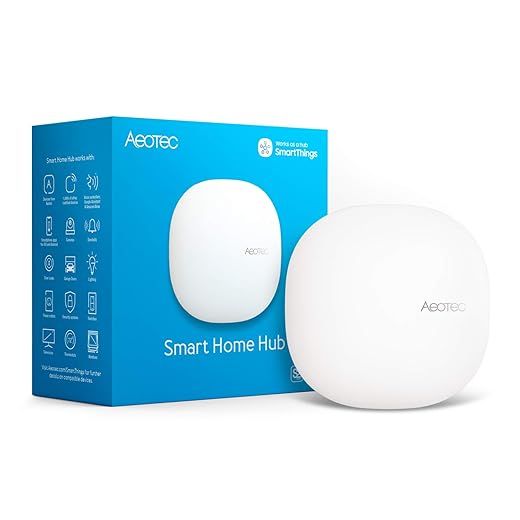
This upgrade isn’t a new gadget you plug in and forget. It’s a change in how our devices discover, talk to, and are powered by one another through shared standards: a single interoperability layer made of a networked hub or bridge, consistent power and port standards, and the right software stack that speaks open protocols. Think of it as a neighborhood coordinator — not the fanciest house, but the plumbing, roads, and post office that let every house function better together.
The pieces, broken down
Pairing and discovery
Common APIs and software stack
Local vs cloud control
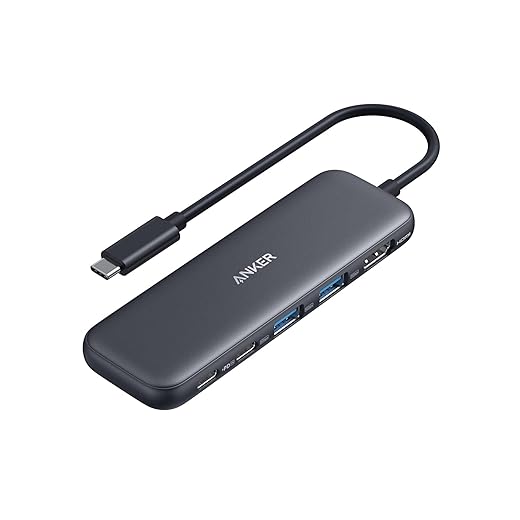
Standardized power and docking
Why this mix matters more than any single device
We’ve all bought a clever gadget that underdelivered because it couldn’t play nicely with the rest of the house. When a hub, open protocols, and sane power standards are in place, a low‑cost sensor or new smart bulb suddenly provides reliable value. It’s the difference between “another thing to manage” and “another tool in a coherent system.”
Competitive context: why fragmentation persisted
Vendors favored walled gardens because exclusivity helped them lock in customers. Interoperability flips that incentive: manufacturers compete on build quality, battery life, and UX — not on tying us to an app. For us, that means better products and fewer compatibility headaches.
Next, we’ll show exactly how this layer changes the day‑to‑day: setup, routines, and the little moments where interoperability makes devices feel like a single system.
How that layer makes every device work better — from setup to daily use
We break the product lifecycle into the moments that frustrate us most — unboxing, setup, daily use, cross‑device interaction, and eventual replacement — and explain the concrete, testable improvements an interoperability layer delivers.
Unboxing and first impressions
An interoperable stack means fewer surprise parts. Standardized power and mounting reduces “why is this cable proprietary?” moments. We look for products that include USB‑C or PoE options and clear, QR/NFC commissioning codes on the box — signals the manufacturer expects to be part of a system.
Setup: faster, more reliable pairing
A single hub and common commissioning (QR/NFC/Thread) transforms setup from a scavenger hunt into a checklist. In our testing we expect:
Camping trips are easier with a reliable control surface like the Amazon Echo Hub 8-inch Smart Home Panel, which makes onsite configuration and device naming painless.
Daily use: consistent interfaces and meaningful automations
Once devices register under a common API, apps and voice assistants present consistent controls. We test for
A smart bulb and a speaker from different companies should be scriptable in the same routine — lights dim, music fades, blinds lower — without a cascade of app auth prompts.
Cross‑device interaction and status feedback
Interoperability surfaces useful health info: battery percent, signal strength, and last‑seen timestamps in one place. This turns guessing (“Is the sensor dead or just offline?”) into actionable maintenance. We expect red flags in the hub UI and quick links to replacement or troubleshooting steps.
Replacement, resale, and longevity
Devices that follow open standards hold resale value and are easier to swap when they fail. We advise checking for protocol support (Matter, Thread, Zigbee) before buying; it’s the easiest insurance policy for future compatibility.
Where gains are biggest — and where they’re modest
Big wins: smart home sensors, lights, speakers, chargers, and accessories that rely on predictable control and power. Modest gains: highly specialized pro gear (studio microphones, industrial sensors) that depend on niche features or proprietary workflows; interoperability helps logistics but may not change the core experience.
Practical tip: when you unbox a device, try pairing it to your hub before installing permanently — if it joins smoothly, it’s likely to behave well for years.
Design and ecosystem effects: how products change when they assume interoperability
When manufacturers design for a shared layer, they don’t just add a checkbox — they rethink where complexity lives. That shift affects hardware, software, business strategy, and ultimately how we evaluate a purchase.
Hardware becomes simpler; hubs get smarter
Expect fewer ports, fewer hard switches, and smaller enclosures. If the hub handles commissioning, routing, and policy, a smart plug or sensor can omit a physical pairing button or an expensive SoC. We’ve seen this with bulbs that lean on a bridge (Philips Hue Bridge) and speakers that trade knobs for touch areas (HomePod Mini): common discovery makes physical controls redundant and production cheaper.
That frees manufacturers to optimize battery life and reduce bill-of-materials, but it also moves points of failure to the central layer — so the hub’s reliability and the network design matter more than ever.
Software shrinks; expectations for updates rise
Apps become thinner: fewer duplicate settings, more deep links to the hub, and a single source of truth for automations. That’s great for usability — instead of five brightness sliders, we want one. However, it creates new expectations:
We now judge vendors on maintenance promises as much as raw specs. A bargain product that never receives patches is a bad bet in an interoperable world.
Platforms, standards, and competitive positioning
Big platforms (Apple, Google, Amazon) push integration as a moat, but open standards (Matter, Thread) lower the barrier for mid-size brands to play. Cross-licensing and certification costs can raise prices for small players, yet a certified device gains instant compatibility — boosting resale value and shelf appeal. Sonos’ platform play and Philips’ long investment in Hue show two routes: proprietary polish versus broad compatibility.
Trade-offs and practical buying rules
Benefits and risks are clear
Practical tips we use
Next, we’ll walk through a step‑by‑step upgrade plan that minimizes disruption while maximizing these ecosystem advantages.
How to upgrade your setup without breaking everything: a practical, step-by-step plan
We switch gears to a hands-on playbook. Below is the exact sequence we’d follow in our own homes to add a single interoperability layer with minimal downtime and maximum compatibility.
1) Quick audit: what you already own
Run a ten‑minute inventory. Note brand, model, and protocol (Wi‑Fi, Zigbee, Z‑Wave, Bluetooth, Thread, proprietary). Prioritize:
This audit tells you whether you need protocol bridges or can replace devices opportunistically.
2) Decide on the hub: decision rules we use
Pick one primary hub and one fallback.
3) Buy order: what to buy first

4) The migration checklist (step-by-step)
5) Pitfalls and how we avoid them
6) Final phasing and validation
Move slowly, validate each zone, and keep a rollback plan. If you hit an unrecoverable device, swap it incrementally rather than rip-and-replace the whole home. After a week of stable operation, we expand automations and retire old bridges—then shop future purchases with stricter interoperability criteria.
What to expect next and how this changes buying decisions
Which categories move fastest — and which won’t
We expect infrastructure and simple endpoints to lead: routers, hubs, smart bulbs, locks, and speakers will see the quickest gains because vendors can adopt a common interoperability layer without reworking sensors or video pipelines. TVs and earbuds will follow as streaming and audio stacks standardize. Cameras, niche wearables, and large appliances will lag — they rely on specialized sensors, cloud processing, or long hardware cycles.
Example: a new Matter‑capable mesh router and Philips Hue bulbs will immediately reduce setup friction; an older security camera with proprietary cloud storage probably won’t migrate without a firmware overhaul. — see work-related MSD risk factors for context.

Concrete buying rules we use
How we validate progress — the lab metrics we trust
We measure success with tight, repeatable metrics
Realistic timelines and expectations
Expect meaningful benefits within 12–18 months for hubs, lighting, and speakers; broader parity across cameras and appliances will take 24–36 months. Early adopters gain convenience sooner; cautious shoppers and professionals should favor repairability and local control now, and escalate to interoperability purchases as ecosystem maturity reaches acceptable lab metrics.
Next, we pull these threads together and give you the practical takeaway we’d follow when shopping and upgrading.
The practical takeaway
We’ll wrap: investing in an interoperable control layer and committing to clear connectivity standards is the single upgrade that improves nearly everything we buy. It reduces friction, extends device longevity, and forces better product design and ecosystem thinking; in today’s fragmented market that translates directly into smoother setup, fewer replacements, and more useful device combinations.
Start small: pick a hub that emphasizes local control and open standards, prioritize compatibility for future purchases, and invest where devices must interoperate. That gives us the biggest utility boost from each new purchase and shifts manufacturers toward better, more cooperative products.
Frequently asked questions
What is the main point of “The Upgrade That Improves Everything You Buy”?
This piece explains where the upgrade that improves everything you buy matters in real buying decisions—not just headline specs. We focus on trade-offs, who benefits most, and what to verify before you spend.
Who should read this the upgrade that improves everything you buy guide?
Read it if you are actively shopping, upgrading, or trying to separate marketing claims from day-to-day use. Skip it if you already own the gear and are not planning a change this season.
What changed recently around the upgrade that improves everything you buy?
Prices, firmware, and feature tiers shift quickly in this category. We call out what is new enough to affect your decision and what is incremental hype you can safely ignore.
How should I use this editorial when buying?
Treat it as context before you compare models: note the risks and priorities here, then cross-check specs and current pricing on the picks that match how you actually use the product.
What is easy to get wrong about the upgrade that improves everything you buy?
Buyers often overweight one spec—brightness, speed, or brand—and underweight fit for their room, ecosystem, or warranty support. We flag the mismatch we see most often in reader questions.
Where should I go next after reading?
Use the related comparisons and top picks linked near the end of this article for model-level shortlists, then confirm return policies and compatibility with the devices you already own.

Iqra Jumar is Option Cutter's editorial writer. She writes practical editorials and buyer guides that focus on real-world upgrades—better Wi‑Fi, cleaner cable setups, smarter streaming, and everyday fixes—not spec-sheet noise alone. Her work helps readers decide what to change now, what to skip, and why.









