
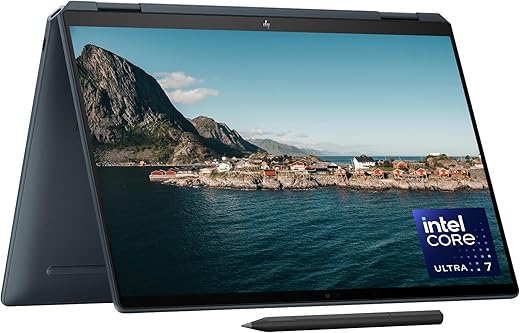

We put OLED and IPS laptops head‑to‑head — is OLED’s jaw‑dropping contrast, thinner chassis, and deeper blacks worth the tradeoffs in battery life, color tuning, and repairability, and what that means for buyers navigating today’s crowded laptop ecosystem?
We test the HP Spectre 14‑inch x360 with a 2.8K OLED touch display against the Lenovo ThinkPad X1 Carbon Gen 13’s 14″ 1920×1200 IPS touchscreen, focusing on real‑world feel, design, ecosystem fit, and whether OLED’s premium pays off.
Content Creation
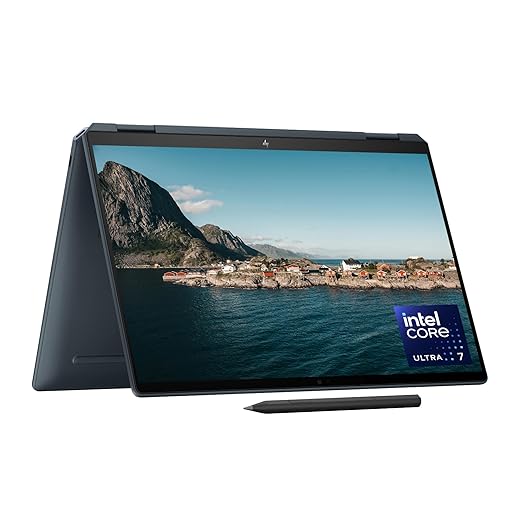
We find this configuration excellent for creatives and anyone who prioritizes image fidelity: the OLED screen transforms contrast and HDR-like highlights more than a standard IPS. Performance is more than adequate for content work and light gaming, but the tradeoff is shorter runtime than comparable IPS machines. Overall it’s a premium convertible that rewards visual work and media consumption.
Workhorse Portability
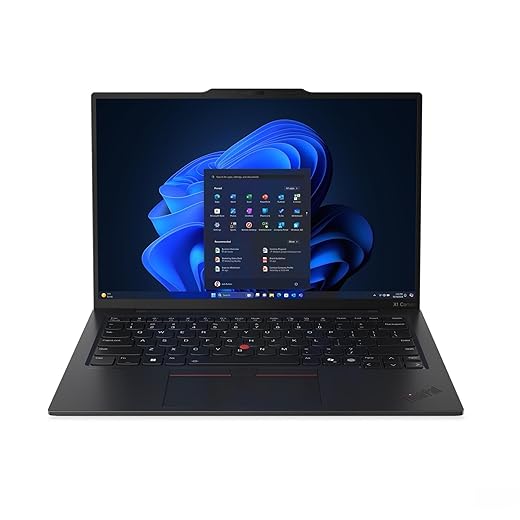
We see this as a reliable, well-rounded ultraportable for professionals who prioritize battery life, connectivity, and consistency over theatrical visuals. Its IPS panel is bright and accurate for office and color-managed work, and the ThinkPad ecosystem adds real-world ergonomics and security. For power users who want the deepest blacks, it’s a sensible compromise compared with OLED options.
HP Spectre x360
Lenovo X1 Carbon
HP Spectre x360
Lenovo X1 Carbon
HP Spectre x360
Lenovo X1 Carbon
3 Months After Switching: IPS to OLED — My Experience
Display showdown: OLED vs IPS — what you actually see and why it matters
What OLED buys you — HP Spectre’s 2.8K panel
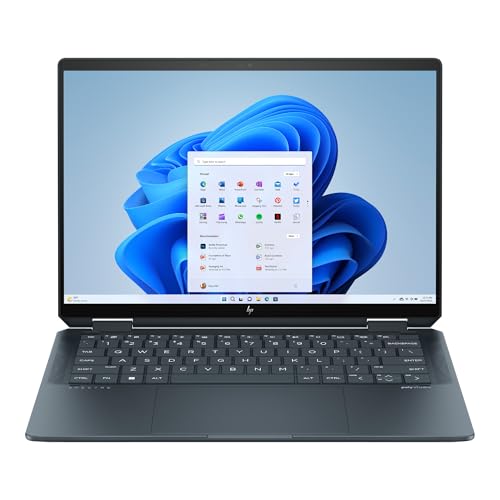
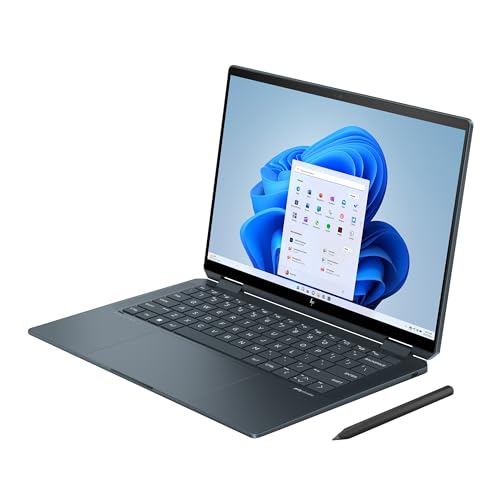
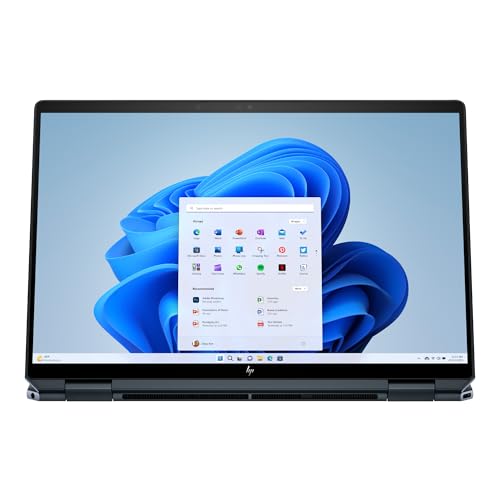
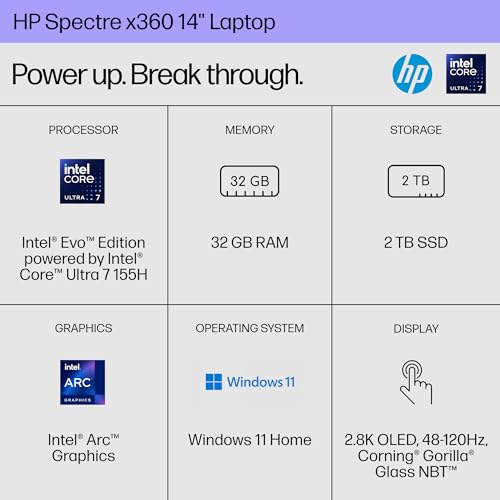
We start with the most obvious difference: the Spectre’s 2880×1880 2.8K OLED. In everyday use that means inky blacks, near‑infinite contrast, and saturated colors that make movies, photos, and dark UI themes feel noticeably more immersive. The Spectre’s higher resolution and wider gamut give more detail and punch for creative work and media playback, and the included pen benefits from the panel’s perceived immediacy.
What IPS buys you — X1 Carbon’s 1920×1200 panel
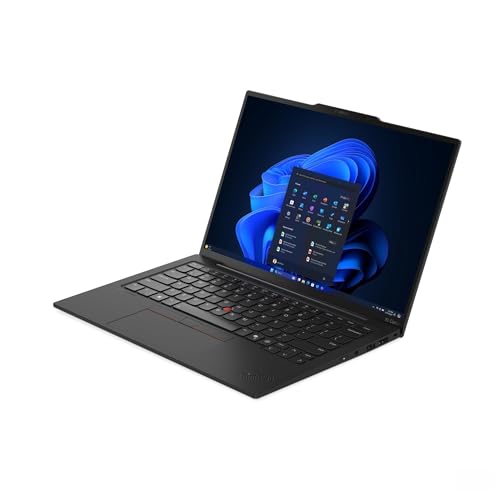
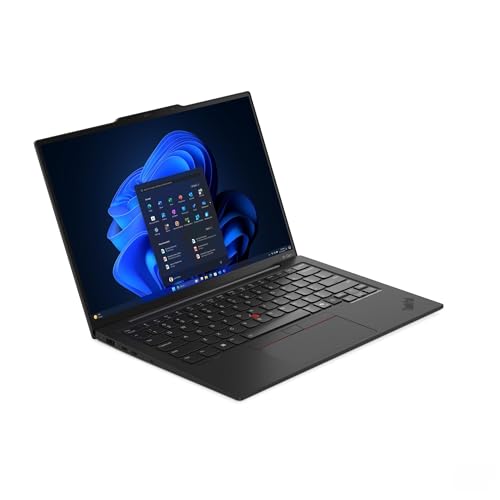
The ThinkPad X1 Carbon sticks with a 1920×1200 IPS touch screen that’s familiar and dependable: consistent brightness across the panel, wide viewing angles, and predictable color behavior that’s easier to match to other laptops or external displays. Lenovo advertises 500 nits and 100% sRGB, which translates into strong sustained brightness for working outdoors or under bright office lights.
Real‑world trade‑offs that matter
We find OLED delivers the more visceral, media‑first experience; IPS wins on steadiness, brightness, and color predictability for professional workflows.
OLED vs IPS: Feature Comparison
Performance, battery, and thermals: real-world workloads and endurance
Raw and sustained performance — Spectre first
Beneath the displays the two machines take slightly different approaches. The Spectre ships with an Intel Core Ultra 7‑155H — an H‑series part tuned for higher burst power — paired with 32GB RAM and a roomy 2TB PCIe Gen4 SSD. In short, heavy jobs (video exports, large multi‑tab browser sessions, heavy local compiles) the Spectre typically pulls ahead for peak throughput and shorter completes.
Efficiency and steady delivery — X1 Carbon
The X1 Carbon uses an Intel‑12 Core Ultra 7 255U tuned for efficiency. With the same 32GB but a 1TB SSD, it’s optimized for consistent, all‑day productivity: fewer thermal spikes, less aggressive fan noise, and better battery longevity under mixed office loads. Lenovo’s business cooling and chassis prioritizes sustained clocks over one‑shot peak scores.
Battery life and display impact
Display tech matters. OLED can save power with darker UIs and local dimming, but when you run full‑bright HDR video or max out brightness outdoors, OLEDs often draw more than an IPS. Practically, the Spectre’s OLED gives superior media experience but can lose the battery edge in an all‑day meeting schedule if you keep brightness high.
Thermals and comfort
The Spectre’s thin convertible chassis feels warmer under long renders; you notice surface heat and earlier thermal throttling. The X1 Carbon’s thermals are more conservative, letting the CPU hold steadier clocks for longer without spiking temperatures.
Real‑world scenarios we test
Design, inputs, and ecosystem: how each laptop fits into your life
Design language and portability
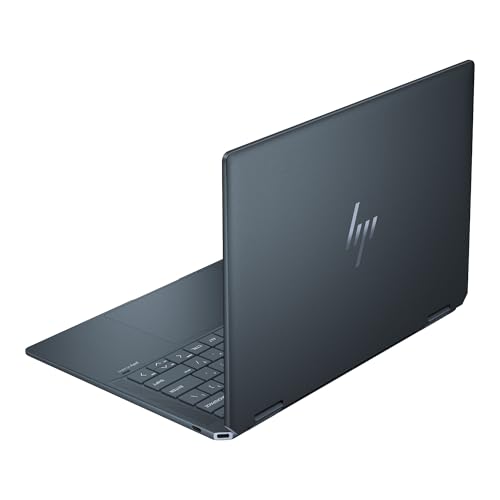
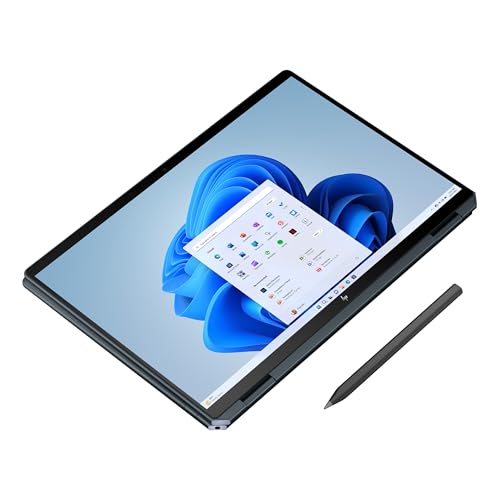
Design choices reveal who each laptop is built for. The Spectre x360 is a convertible with a premium aesthetic — slim aluminum body, gem‑cut edges, a stylus‑capable touchscreen, and a Slate Blue finish that reads as lifestyle‑oriented. Its hinge and tablet mode are optimized for presentation, sketching, and casual media consumption; HP bundles a responsive MPP pen and a high‑resolution 9MP IR camera that make the machine feel like a creative tool as much as a laptop.
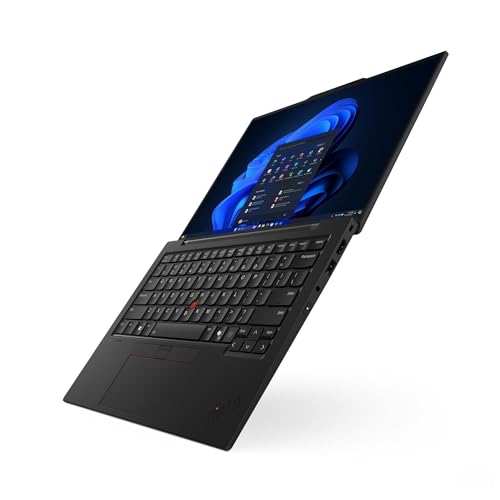
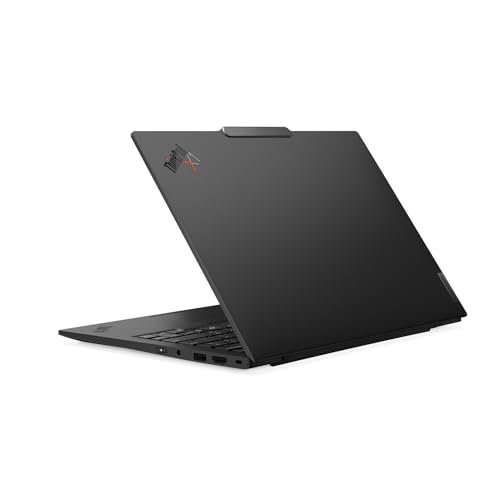
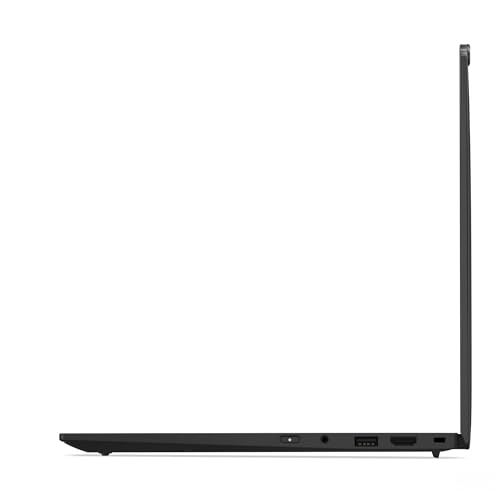
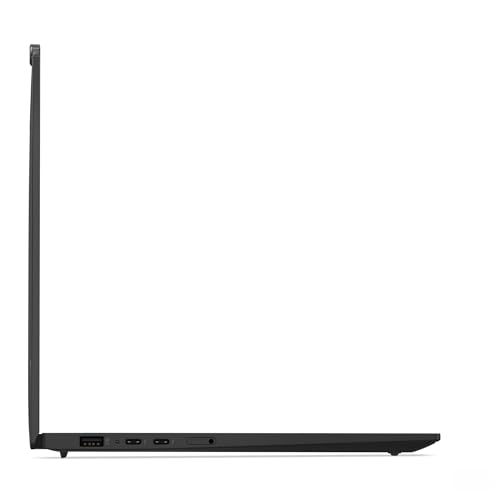
The X1 Carbon is classic ThinkPad: conservative, very light, and built for enterprise durability with MIL‑grade testing. It prioritizes typing comfort, long‑term reliability, and minimal surprises in managed fleets. The chassis is pared down and work‑focused rather than flashy, with a 1080p webcam and optional cellular connectivity aimed at road warriors.
Inputs and daily use
Input matters more than ever. We prefer the X1’s keyboard and the ThinkPad trackpad/TrackPoint combo for long writing sessions; Lenovo’s tactile keys and travel keep us productive all day. The Spectre’s touchscreen and tilt‑pen feel better for creative tasks and quick edits, and the fingerprint‑on‑power button on the HP is handy for fast logins.
Ecosystem and manageability
ThinkPad buyers get mature enterprise tooling — IT manageability, predictable driver support, and broad docking compatibility. HP leans consumer: tighter integration with HP accessories, stylus options, and design‑forward peripherals. Pick the platform that matches your workflow: corporate consistency or touch‑first creativity.
Value and use cases: who should pay extra for OLED?
Choose the HP Spectre OLED if you:
For content creators who treat the laptop screen as their primary editor, OLED’s color depth and resolution are a meaningful upgrade — but only if you calibrate the panel, accept the slight battery trade‑off versus low‑power IPS, and are comfortable managing burn‑in risk for static UI work.
Choose the Lenovo X1 Carbon IPS if you:
Practical advice
Final verdict
We’d pick the Spectre’s OLED when display quality and a convertible form factor drive our workflow — streaming, casual creative work, and a premium media-first experience.
We’d pick the X1 Carbon when battery life, keyboard comfort, enterprise features, and predictable performance matter more; IPS is the sensible choice for productivity-focused buyers. Which side shapes your daily work and long-term collaboration now?

Chris is the founder and lead editor of OptionCutter LLC, where he oversees in-depth buying guides, product reviews, and comparison content designed to help readers make informed purchasing decisions. His editorial approach centers on structured research, real-world use cases, performance benchmarks, and transparent evaluation criteria rather than surface-level summaries. Through OptionCutter’s blog content, he focuses on breaking down complex product categories into clear recommendations, practical advice, and decision frameworks that prioritize accuracy, usability, and long-term value for shoppers.









