


We break down whether portable power or upgradable performance gives you more bang for your buck—showing how design, battery life, peripheral ecosystems, resale value, and cloud/streaming shifts in the market actually tip the scales for different kinds of gamers.
Surprising as it sounds, we compare the Razer Blade 14 (2025) and Alienware 16 Aurora to decide when a gaming laptop beats a desktop. We test performance, design, and ecosystem trade-offs, and explain how those changes affect real-world value quickly, plainly, and with buying guidance.
Portable Power
We appreciate how this machine packs near‑desktop performance into a legitimately portable 14‑inch package. The OLED screen and high memory speeds make it excellent for creators as well as gamers, while the refined design and modern I/O keep it feeling current. In the current market, it’s a clear choice when mobility and build quality matter most, though battery and upgradeability reflect the usual thin‑and‑light tradeoffs.
Desk Focused

We find this model delivers a more traditional, desk‑centric gaming experience: a roomier 16‑inch screen, solid thermals, and a broader port selection. It’s a compelling pick when you prioritize screen real estate and long gaming sessions over true portability. In today’s lineup the machine is positioned as a bridge between ultraportable blades and desktop replacements — good value for users who want a big display without moving to a tower.
Razer Blade 14
Alienware Aurora 16
Razer Blade 14
Alienware Aurora 16
Razer Blade 14
Alienware Aurora 16
Don’t Build a Gaming PC—Buy This Laptop Instead?
Real-world Performance: Frame Rates, Thermals, and AI Assist
Short-burst vs sustained FPS
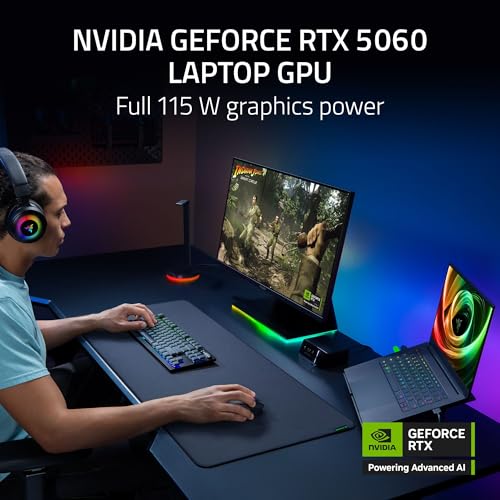
We see similar peak framerates from both machines in short sessions—the RTX 5060 and modern drivers let either laptop hit high FPS in eSports titles or short benchmark runs. The important difference shows up after 10–20 minutes of sustained play: the Blade 14’s tiny 14‑inch shell heats up faster, causing the CPU/GPU to pull clocks back sooner, while the Alienware 16’s larger internal volume and targeted Cryo‑Chamber airflow keep clocks higher for longer. That matters more for long multiplayer sessions, streaming, and any CPU‑heavy open‑world game.
Thermals, power draw, and memory bandwidth
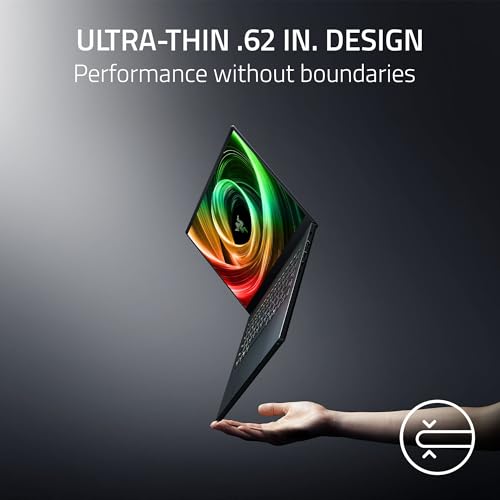
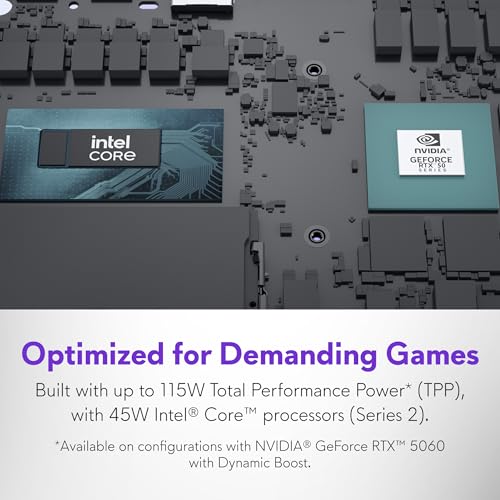
Razer advertises up to a 115W TGP on the Blade—impressive for a 0.62‑inch chassis, but the tradeoff is peak‑heavy behavior and earlier thermal throttling. Alienware’s 16‑inch design typically allows that same GPU to run at a higher sustained power envelope, which translates to steadier framerates and fewer frame‑time spikes under continuous load.
GDDR7 on the Alienware’s RTX 5060 gives it an edge for texture streaming and high‑res texture packs; higher VRAM bandwidth reduces stutter when loading assets at 1440p or above. The Blade’s VRAM configuration isn’t called out the same way, so in texture‑heavy scenarios the Alienware tends to feel smoother.


On‑chip AI and practical benefits
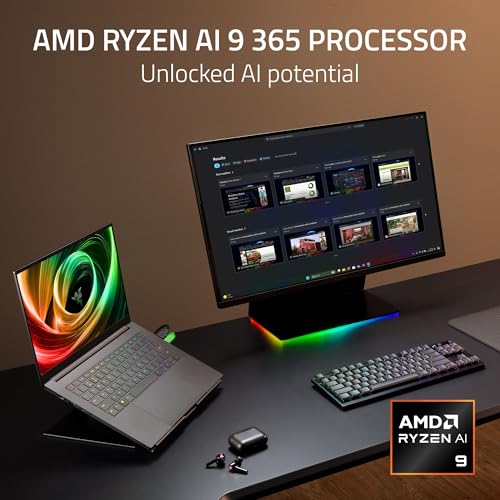
The Blade’s Ryzen AI 9 365 includes an on‑die NPU (up to 50 TOPS) that powers Copilot+, Live Caption, and accelerated RTX‑style workflows in supported apps. That on‑device NPU delivers lower-latency AI features and can offload tasks from the CPU/GPU during content creation or streaming. The Intel-based Alienware has improved AI capabilities too, but in practice we find AMD’s dedicated NPU makes a bigger difference for background features and creative acceleration on the go.
Translating to desktop expectations
For the same money, a midtower desktop typically buys far more thermal headroom and upgradeability—meaning noticeably higher sustained FPS and longer relevance. But laptops win on performance‑per‑watt, portability, and built‑in AI conveniences; for creators and nomadic players those tradeoffs often tip value toward the portable rigs.
Feature Comparison Chart

Design and User Experience: Displays, Portability, and Daily Use
Displays and ergonomics
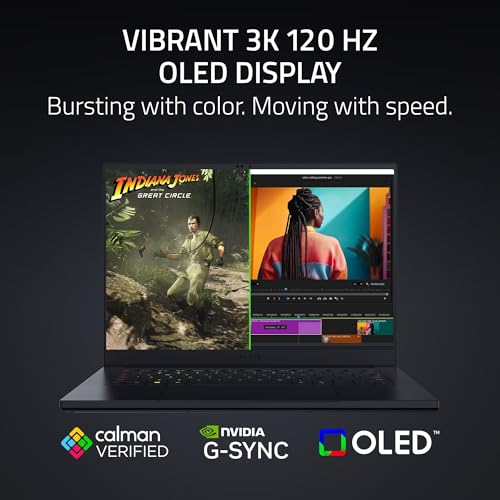
We’re comparing Razer’s 3K 120Hz OLED against Alienware’s 16-inch 16:10 WQXGA. The Blade’s OLED delivers far superior contrast, deeper blacks, and faster 0.2ms response times—games look punchier and colors feel more accurate out of the box (Calman‑verified profiles matter for creators). The Alienware’s 16:10 WQXGA panel gives you more vertical workspace and a wider canvas for maps, HUDs, and productivity; its 300‑nit brightness is serviceable, but it won’t match the OLED’s pop in HDR scenes. If you value sheer image fidelity and fast pixel response, pick the Blade. If you want immersion plus multitasking room, pick the Alienware.
Portability and daily battery life
The Blade is the clear winner for travel: Razer advertises a near‑4 lb package and a slim 0.62‑inch profile, making it a proper “take anywhere” machine. It also claims up to 11 hours in light use—real‑world gaming will be far lower, but for flights and cafes it’s far more convenient. The Alienware is heavier (~5.5 lb), bulkier, and built as a desktop replacement; that extra mass houses better cooling and a more comfortable desk posture but costs you portability.
Input feel, noise, and build quality
Razer leans premium—aluminum unibody, crisp trackpad, and Chroma lighting for personalization. The Blade’s thinness can mean fans spool earlier under sustained loads, so short bursts are quiet but long sessions get louder. Alienware’s Cryo‑Chamber and larger vents keep sustained thermals lower and fan curves flatter during marathon sessions; its keyboard is tuned for comfort over long desk play and the extra ports make it more practical as a primary rig.

Upgradability, Repairability, and the Ecosystem
Memory: LPDDR5X (Razer) vs DDR5 (Alienware)
We’re blunt: Razer’s LPDDR5X is a design choice optimized for thinness and battery life. At 8000 MHz it’s fast and power‑efficient, but it’s almost certainly soldered to the motherboard—no user upgrades. Alienware ships with 16GB DDR5 (5600 MHz) in standard SODIMM slots, so you can add RAM later. That matters because as games and creative apps demand more memory, the Alienware can be stretched; the Blade can’t.
Storage and serviceability
Both laptops come with a 1TB SSD, but the practical difference is access. The Blade’s compact internals leave little room for expansion and tighter teardown procedures; replacing parts is possible but fiddly. Alienware’s larger chassis and Dell’s service orientation make it easier to swap M.2 drives or RAM and to get warranty work done. The included 1‑year onsite service reduces downtime and lowers repair friction compared with mail‑in repairs.
Software ecosystems: personalization and performance tuning
Razer Synapse + Chroma emphasizes RGB, cloud profiles, and quick per‑key customization; it’s tuned for gamers who want instant style and easy macro syncing. Alienware Command Center and AlienFX focus more on thermal/performance profiles and conservative power tuning for sustained workloads. Both vendors push driver and firmware updates, but Dell’s tooling is generally more conservative and tied to warranty support; Razer pushes frequent gaming‑centric updates. The choice affects day‑to‑day control: Synapse is flashier; Command Center gives more traditional thermal and power control.
Why upgrade paths affect total cost of ownership
Upgradability buys longevity. A modular laptop or desktop lets you incrementally upgrade components instead of replacing the whole machine when demands rise. If portability is your top priority, the Blade rewards you today; if extendable life and lower long‑term cost matter, the Alienware (or a desktop) wins.
Price and Value Context: When a Laptop Beats a Desktop
Cost-per-frame and raw value
We compare sticker prices to what you actually get. The Razer Blade 14 lists at about $1,630; the Alienware 16 at about $1,100. A similarly capable midrange desktop tower (CPU, motherboard, GPU, RAM, SSD, PSU, case) usually runs $900–$1,200; add a 1440p monitor and peripherals and you’re in the $1,100–$1,500 range. Desktops benefit from higher sustained power and better cooling, so they generally deliver more frames per dollar—often noticeably higher sustained frame rates than thin laptops running the same mobile RTX 5060. In pure cost‑per‑frame terms, the desktop typically wins if you’re building for max raw performance.
Hidden costs that shift the math
Convenience premium: what you’re paying for
Who should buy what
Final Verdict: Match the Machine to Your Priorities
We pick the Alienware 16 as the pragmatic value winner for most gamers: larger 16:10 WQXGA panel, better sustained thermals, easier upgrades and on‑site service make it a smarter long-term play. Choose the Razer Blade 14 if you prioritize a top-tier 3K OLED, thin/light chassis, and exceptional portable experience. Its design and display justify the premium for creators and travelers.
For pure performance-per-dollar and upgradeability, a desktop still outclasses both. Ready to decide? Match your primary use: mobility and screen fidelity, Blade; sustained performance and serviceable value, Alienware. That is our pick for most buyers today.

Chris is the founder and lead editor of OptionCutter LLC, where he oversees in-depth buying guides, product reviews, and comparison content designed to help readers make informed purchasing decisions. His editorial approach centers on structured research, real-world use cases, performance benchmarks, and transparent evaluation criteria rather than surface-level summaries. Through OptionCutter’s blog content, he focuses on breaking down complex product categories into clear recommendations, practical advice, and decision frameworks that prioritize accuracy, usability, and long-term value for shoppers.









