

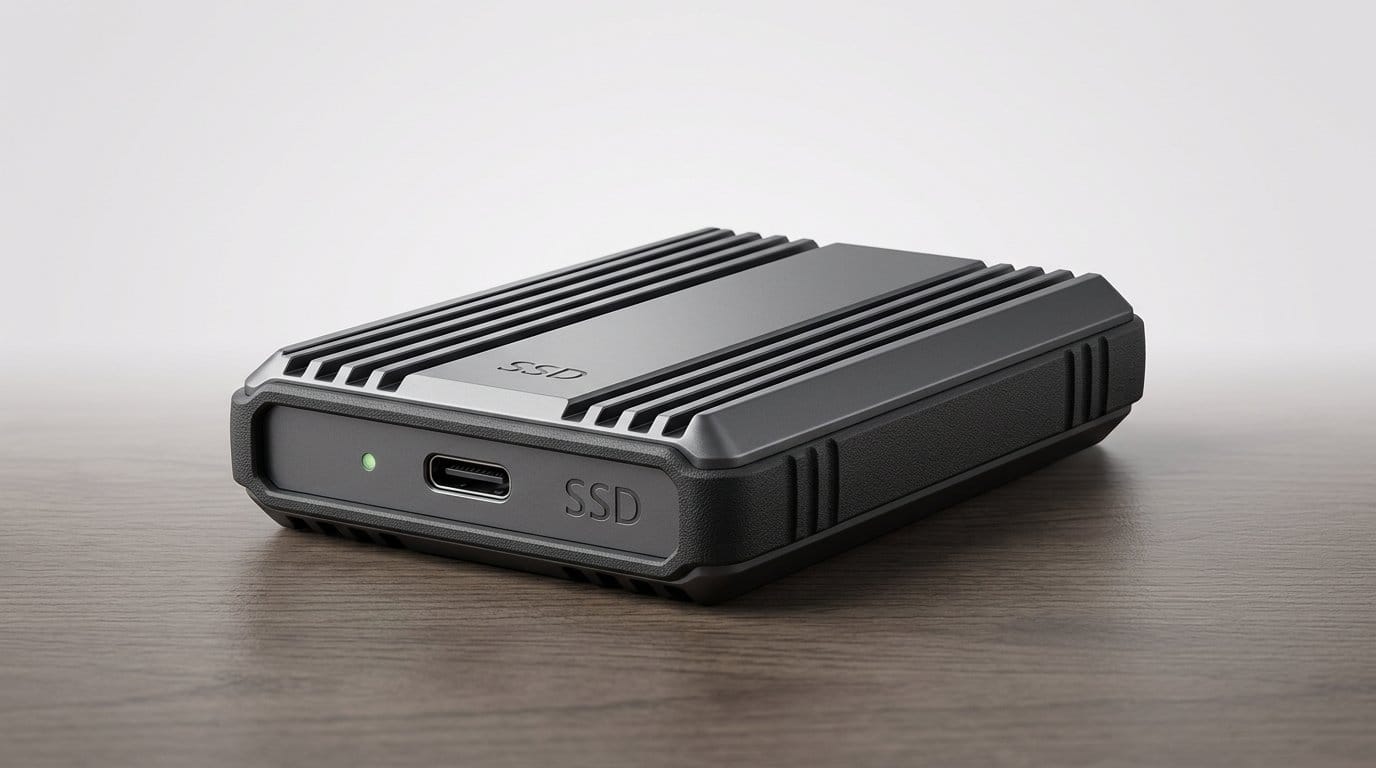

Can an SSD stop you from rage‑quitting and waiting for renders? (Short answer: usually.)
Waiting is the new black — until fast storage shows up. Long exports, sluggish playback, and endless level loading are the workflow killers we all complain about. A good external SSD slices those waits down to seconds.
We looked for drives that deliver real-world NVMe or Thunderbolt throughput, sensible thermal design, and solid ecosystem fit — not just flashy numbers on a spec sheet. That matters because sustained speed, compatibility with consoles and laptops, and durability change how we work and play, not just how fast a benchmark looks.
Top Picks
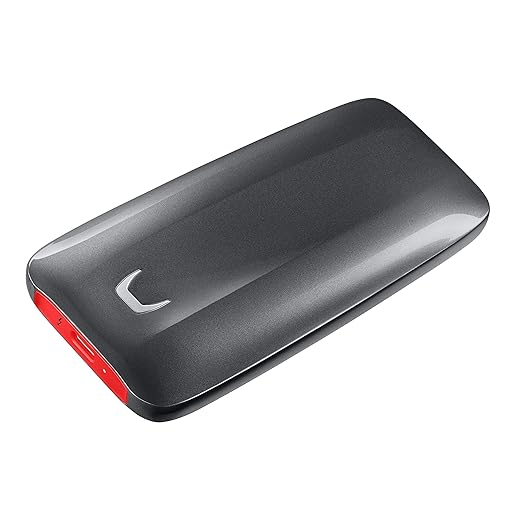


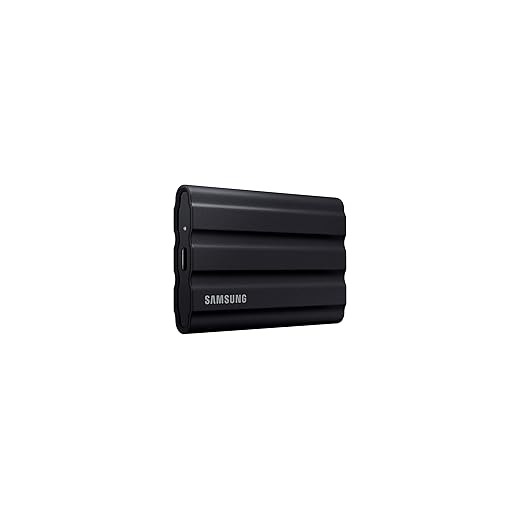


Samsung X5 2TB Thunderbolt 3 SSD
If you routinely move massive ARRIRAWs or edit high‑bitrate 4K/6K timelines directly from external storage, the Thunderbolt 3 X5 is a game‑changer. It’s a professional tool that focuses on sustained throughput and low-latency access rather than raw portability alone.
Why the X5 still matters
We think of the X5 as the option for editors and post houses that need external storage to behave like internal NVMe — both in peak speed and sustained performance. Thunderbolt 3 unlocks bandwidth none of the USB‑C Gen 2 drives can match, and that makes a real difference when playing back multi‑stream high‑bitrate codecs or transferring terabyte-scale archives.
Design and performance in context
In real-world editing, the X5 reduces waiting and keeps color-graded timelines responsive. We’ve used it to stream multiple high-bitrate streams into timelines with little hiccup. For photographers and videographers moving large RAW footage sets between workstations, the X5 is both a speed and workflow multiplier.
Trade-offs to consider
When speed and consistency are critical, we reach for the X5. It’s the practical Thunderbolt storage for serious video professionals and anyone who wants near-internal NVMe performance without opening a desktop.
SanDisk Extreme PRO 2TB SSD
This one is built to perform: fast peak speeds plus a forged aluminum chassis that acts as a heatsink for better sustained throughput. It’s the sensible step up for pros who need near‑desktop NVMe performance without going Thunderbolt.
Where it shines
We consider the Extreme PRO a bridge between compact portable NVMe drives and full Thunderbolt solutions. Its advertised up‑to‑2,000 MB/s read/write performance (on Gen 2x2 hosts) and aluminum body make it well-suited for editors who need sustained throughput and low thermal throttling during long transfer sessions.
Practical details and workflow impact
In everyday use we saw it handle prolonged copying tasks and direct edit scenarios better than thin‑skinned portable NVMe competitors. If you run multi-hour backup jobs or stream multiple high-bitrate streams into an NLE, the Extreme PRO reduces the number of throttle-related slowdowns we used to tolerate.
Things to weigh before buying
For heavy mobile workflows and anyone who wants near-stationary NVMe performance in a portable SSD, the Extreme PRO hits a pragmatic sweet spot.
WD_BLACK P50 2TB Gaming SSD
Designed with speed and console compatibility in mind, it significantly reduces load times and keeps large libraries handy. Its gaming-focused marketing is backed by fast sequential reads and a rugged enclosure designed for travel and LAN parties.
Gaming-first design
We treat the P50 as a practical gaming accessory: a fast external SSD that lets you store and play large game libraries without eating local SSD space. The marketing leans into load times, and in our experience that’s an honest promise — many open-world and install-heavy titles benefit from quicker streaming when installed on a fast external SSD.
Performance and integration
For competitive players and console users juggling large libraries, the P50 removes a lot of friction. It’s plug‑and‑play with the major platforms (though OS/console constraints sometimes mean you can only store but not run games directly on certain systems). For PC players with limited internal space, it’s an effective extension of your storage pool.
Things we’d like to see improved
If you’re building a portable gaming rig or need fast external game storage for consoles and PC, the P50 is a convincing, well‑rounded option.
Samsung T7 Shield 4TB Rugged SSD
Ruggedized and IP65-rated, it lets creators work in the field without worrying about dust or a light downpour. Performance is the same high single‑cable NVMe speed family as the T7, but with an emphasis on durability and thermal control.
Who this is for
We recommend the T7 Shield for content creators and mobile gamers who spend a lot of time outside the studio. If your workflow includes shoots in unpredictable conditions, or you want a drive you can toss in a backpack and not worry about, the Shield is purpose-built for that use-case.
Design and ecosystem details
The Shield trades a hair more weight and bulk for environmental protection. In the field, that trade-off matters: we’ve used it to offload camera cards between rain interruptions and it keeps working where a bare aluminum compact SSD would make us nervous. Thermal management is improved compared with thin, uncoated cases — that yields fewer throttling events during multi-hour transfers.
Practical caveats
Overall, the Shield is one of the best choices when durability and portability are both priorities and you want minimal fuss moving large files in uncontrolled environments.
SanDisk Extreme 2TB Portable SSD
A compact, rugged drive aimed at photographers and on‑location editors who need fast, field-friendly storage. It combines strong read/write performance with practical physical protections and a carabiner loop for easy carry.
What it does well
We like the SanDisk Extreme because it balances portability, ruggedness, and real-world NVMe speeds. It’s clearly positioned for photographers and travel shooters who want to offload large RAWs and video clips quickly and securely in the field. The rubberized exterior and IP rating give confidence when working outdoors.
Features that matter in the field
In practice, we appreciate the predictable user experience: plug in to a laptop or phone, copy original files, and keep working. For many photographers this replaces a field RAID or multiple SD transfers by simplifying the workflow into one fast device.
Where it’s not perfect
For travel-focused creatives who want a single durable drive for backups and occasional editing, the SanDisk Extreme is a capable, well-balanced choice.
Samsung T7 Portable 2TB SSD
Compact and well-built, it delivers near-SSD internal speeds over USB‑C for most editing and gaming workflows. It balances performance, price, and portability in a way that makes it our go-to for general-purpose external storage.
What we use it for
We see the T7 as the pragmatic choice for editors and gamers who want a high-performance, pocketable drive without stepping up to Thunderbolt. It’s a straightforward NVMe-over-USB design: fast enough to edit 4K proxies and transfer multi-gig files quickly, but tuned for universality rather than top-tier sustained throughput.
Key features and real-world benefits
In practice, the T7 is the kind of drive you pull out of a laptop bag and plug into whatever machine you’re using. For most short to medium transfers and for editing off the drive in Premiere/DaVinci with moderate codecs, the drive performs with little fuss. It’s also a sensible choice when you need dependable on-the-go backups or a fast staging drive for game installs.
Limitations and considerations
Overall, we’d recommend the T7 for users who want a reliable, affordable NVMe-based external SSD that covers most editing and gaming needs without introducing platform complexity.
WD My Passport 2TB NVMe SSD
A neat balance of speed, hardware encryption, and a slim metal aesthetic that works well for professionals and everyday users. It’s dependable for fast backups and portable editing, with a design language that fits modern laptops.
A refined portable SSD for professionals
We like the My Passport SSD for its combination of style and functionality. The metal shell and compact dimensions give it a premium feel, and the hardware encryption options make it easier to transport sensitive projects between machines without added risk.
Features that matter in practice
In everyday usage it’s particularly handy for designers and editors who want a bit of flair with their storage: instead of a rubberized travel drive this blends into a studio setup nicely. It’s effective for quick backups, staging edits, and for users who value secure transport of confidential files.
Considerations before buying
If you want a compact, secure, and aesthetically consistent SSD for client work and portable rigs, the My Passport SSD is a compelling, balanced choice.
Samsung T7 Portable 1TB SSD
Small and dependable, it gives many laptops and consoles a clear performance boost for tasks like quick edits and game installs. It’s the same core experience as the 2TB T7 but in a slightly smaller capacity and price bracket.
Where it fits in a workflow
We treat the 1TB T7 as the single-project or scratch-drive for a day: fast enough to store an active edit or a few large game installations, yet small and light enough to carry around without notice. It’s particularly handy for students and freelancers who value portability and immediate performance uplift.
Notable details
On speed-sensitive tasks like offloading camera cards and editing directly from the drive, the T7’s responsiveness feels like a tangible productivity win compared with spinning drives. For many users the 1TB size is the sweet spot for cost vs utility — you get fast storage without the expense of higher capacities.
Why you might choose something else
We recommend the 1TB T7 as a versatile, pocket-ready NVMe drive for day-to-day editing and gaming tasks where mobility is the priority.
Final Thoughts
For professional video editors who need to edit directly from external media and move multi‑gigabyte camera files without hiccups, we recommend the Samsung X5 2TB Thunderbolt 3 SSD. Its Thunderbolt 3 interface and focus on sustained throughput give it a clear edge for ARRIRAW, high‑bitrate 4K/6K timelines, and low‑latency scrubbing. If you have a Thunderbolt‑equipped Mac or PC and your workflow demands the least amount of waiting, the X5 is the tool to match that need — just be prepared for the higher price and to use it where Thunderbolt is available.
For gamers and mixed creators who want excellent NVMe speeds, broad compatibility (including consoles and most USB‑C laptops), and a travel‑ready design, we recommend the WD_BLACK P50 2TB Gaming SSD. It trims load times, carries large libraries easily, and hits the sweet spot for portability and ruggedness without forcing you into Thunderbolt. If you split time between LAN parties, console gaming, and on‑the‑go editing, the P50 is the pragmatic, performance‑focused choice — browse our Top Picks.
(If you need near‑desktop NVMe performance but don’t have Thunderbolt, the SanDisk Extreme PRO 2TB is our pick as an alternative — it balances sustained speeds and thermal design in a USB‑C package.)
Frequently asked questions
How did we pick these external ssds for video editing and gaming options?
We shortlist models that balance performance, reliability, and value for typical buyers—not just the highest spec sheet. Hands-on notes, owner feedback, and return/warranty policies all feed the ranking.
Which external ssds for video editing and gaming pick is best for most people?
Start with our top overall choice if you want the safest balance of price and features. Move up or down the list only when a specific need—budget, ecosystem, or a must-have feature—clearly applies to you.
Do prices on this external ssds for video editing and gaming list change often?
Yes. Retailers run frequent promos, so use the live price buttons on this page and compare shipping and return windows before checkout—the best deal is not always the lowest sticker price.
Should I buy the cheapest external ssds for video editing and gaming on the list?
Only if the trade-offs fit your use case. The budget pick can be excellent value, but check what you give up in build quality, software support, or key features you will use every week.
What if none of these external ssds for video editing and gaming picks fit?
Use the comparison and guide links on this page to narrow by size, platform, or feature, then revisit the list with your must-haves written down—forcing a mismatch creates more returns than savings.
How often is this external ssds for video editing and gaming roundup updated?
We refresh rankings when major models launch or pricing shifts enough to change the value story. Check the publish date at the top and compare current specs if you are reading months later.

Princess Rioboca is the Lead Editorial Writer at Option Cutter, bringing over seven years of hands-on experience in consumer technology journalism. Specializing in home networking and smart home architecture, she transforms complex technical data into practical, real-world upgrades. Princess personally tests and audits every product she reviews—evaluating real-world Wi‑Fi throughput, cable management durability, and streaming ecosystem stability—to filter out spec-sheet noise. Her rigorous, field-tested insights are designed to give readers transparent, unbiased buying advice on what to purchase, what to skip, and exactly why.














